


SocialBee publishes to ten social networks and connects to fourteen other tools. Those two numbers describe very different things, and the gap between them explains what the product will and will not do inside a wider stack. The short version: SocialBee is deep on publishing and deliberately shallow on everything else, and its Zapier app exposes exactly one trigger and one action.
Disclosure: Stack99 earns a commission if you buy through links on this page. It costs you nothing extra and never changes our assessment.
The short answer
SocialBee connects to ten social networks for publishing, three asset libraries (Canva, Unsplash, GIPHY), one curation tool, seven URL shorteners, and three automation platforms (Zapier, Make, Pabbly). There is no native CRM connector, no native analytics destination, and no native approval tool.
Automation is where expectations need adjusting. The SocialBee app on Zapier carries a single trigger, which fires when a post is scheduled, and a single action, which creates a post. Content flows in and scheduling events flow out. Reading analytics, managing queues, or syncing content categories is not available through that surface.
How the catalogue is organised
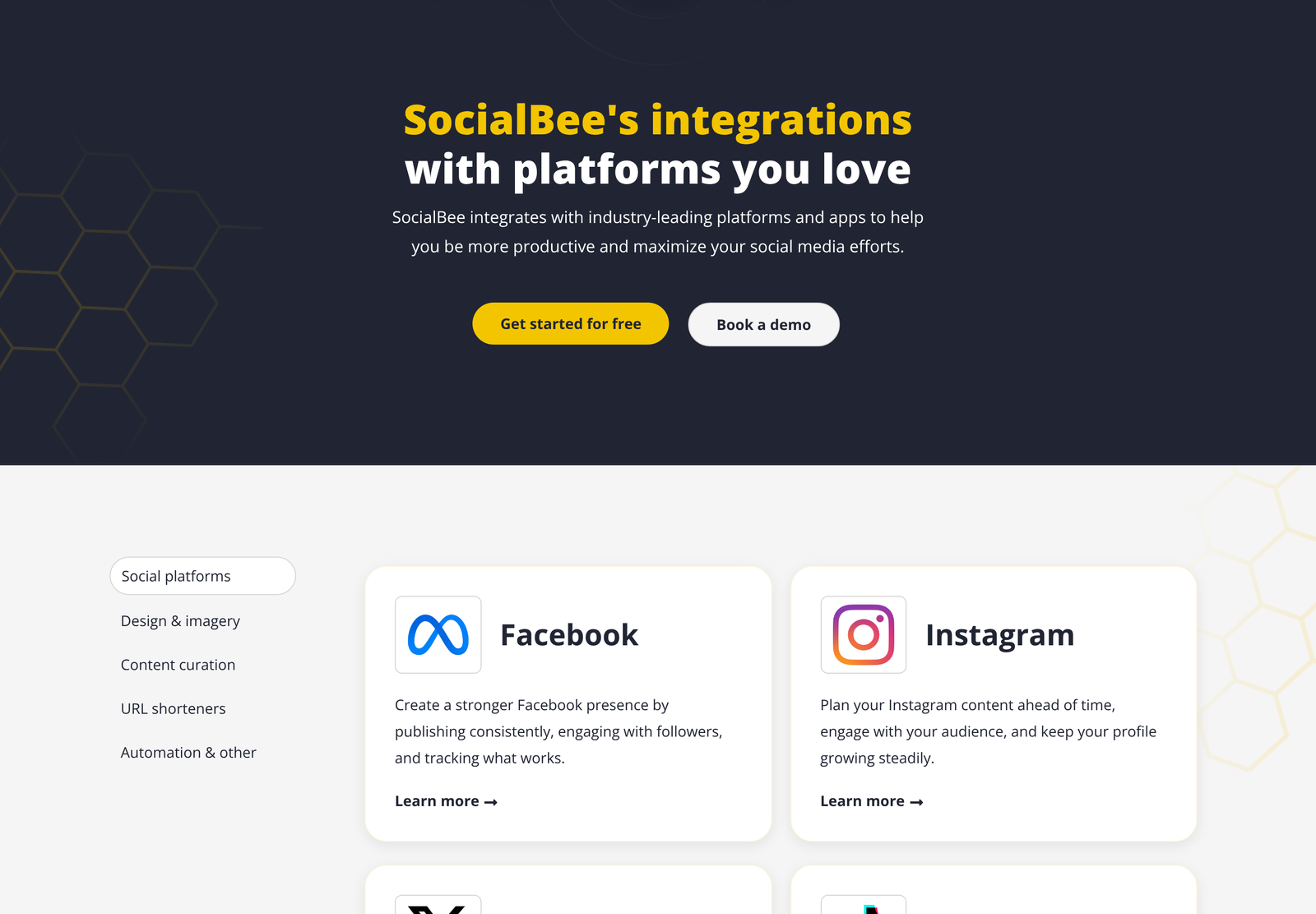
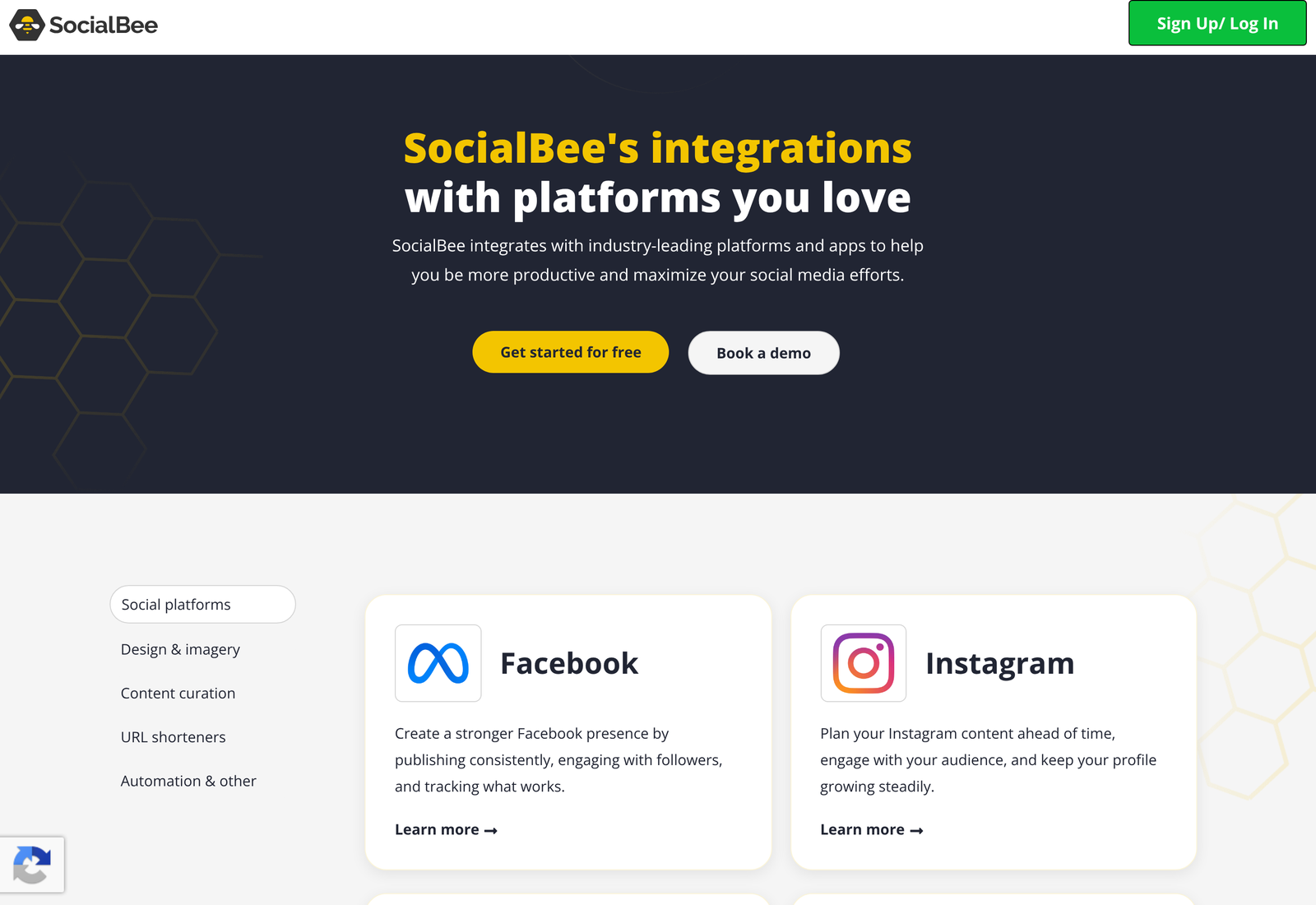
SocialBee groups its integrations into five tabs: social platforms, design and imagery, content curation, URL shorteners, and automation and other. Nothing on the page suggests any of them are gated by plan, which matters because several competitors reserve two-way connections for higher tiers.
Ten publishing destinations
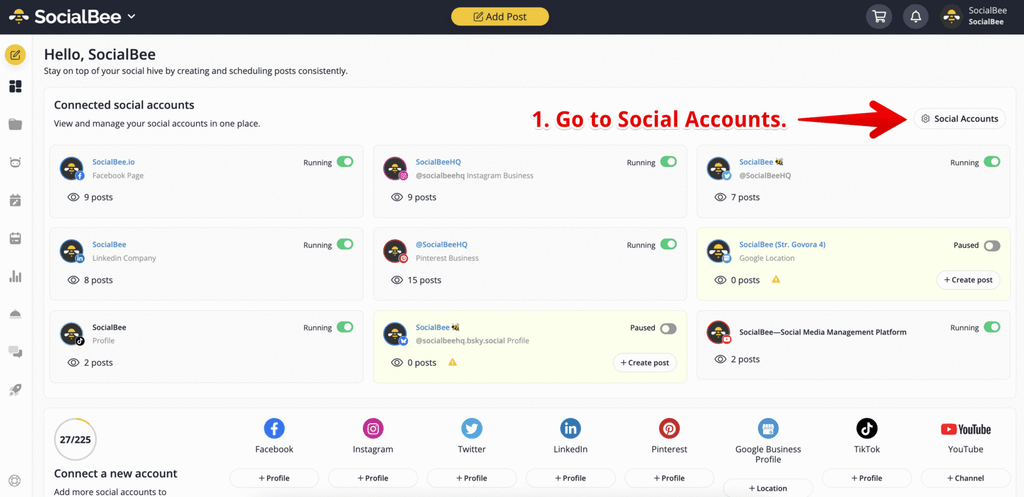
Facebook, Instagram, X, TikTok, LinkedIn, Threads, YouTube, Pinterest, Bluesky and Google Business. That list covers the networks most small teams actually post to, and two entries are worth singling out.
Bluesky and Threads both appear as first-class destinations rather than afterthoughts. Plenty of schedulers still treat them as experimental. Google Business is the other unusual one, because it serves a completely different purpose from the rest: local search visibility rather than social reach. A multi-location business can run storefront updates through the same queue as its Instagram content, which is a genuine convenience.
LinkedIn covers personal profiles and company pages. YouTube handles both long-form videos and Shorts, with comment tracking alongside scheduling.
Limits that belong to the networks, not to SocialBee
No scheduling tool can publish faster than the platform APIs allow, and those ceilings are published by the platforms themselves. Two of them should shape any high-volume calendar.
Instagram limits professional accounts to 100 API-published posts within a rolling 24-hour window. Carousels count as a single post regardless of how many images they hold, which makes them the efficient choice when you are near the ceiling. Meta enforces this on the publish endpoint itself, so no third-party tool can route around it.
YouTube is stricter in a different way. Uploading a video through the API costs 1,600 quota units, and projects get a default allocation of 100 uploads per day in a dedicated bucket, separate from the 10,000 units a day shared across other endpoints. Quotas reset at midnight Pacific. For almost every SocialBee customer, these ceilings sit far above real usage, but an agency fanning content across dozens of client accounts should know where the walls are.
Assets: Canva, Unsplash and GIPHY
The Canva connection is the one that changes daily work. SocialBee browses your existing Canva designs from inside the composer, so a finished graphic moves into a post without a download and re-upload round trip. Anyone who has lost track of which version of a file sits in which folder will recognise the value.
Unsplash supplies stock photography without licensing fees. GIPHY handles animated content. Neither is remarkable on its own; together with Canva they mean a post can be assembled end to end without leaving the tool, which is the actual point.
Content curation has a single entry, Quu, for pulling in third-party articles worth resharing.
Seven URL shorteners
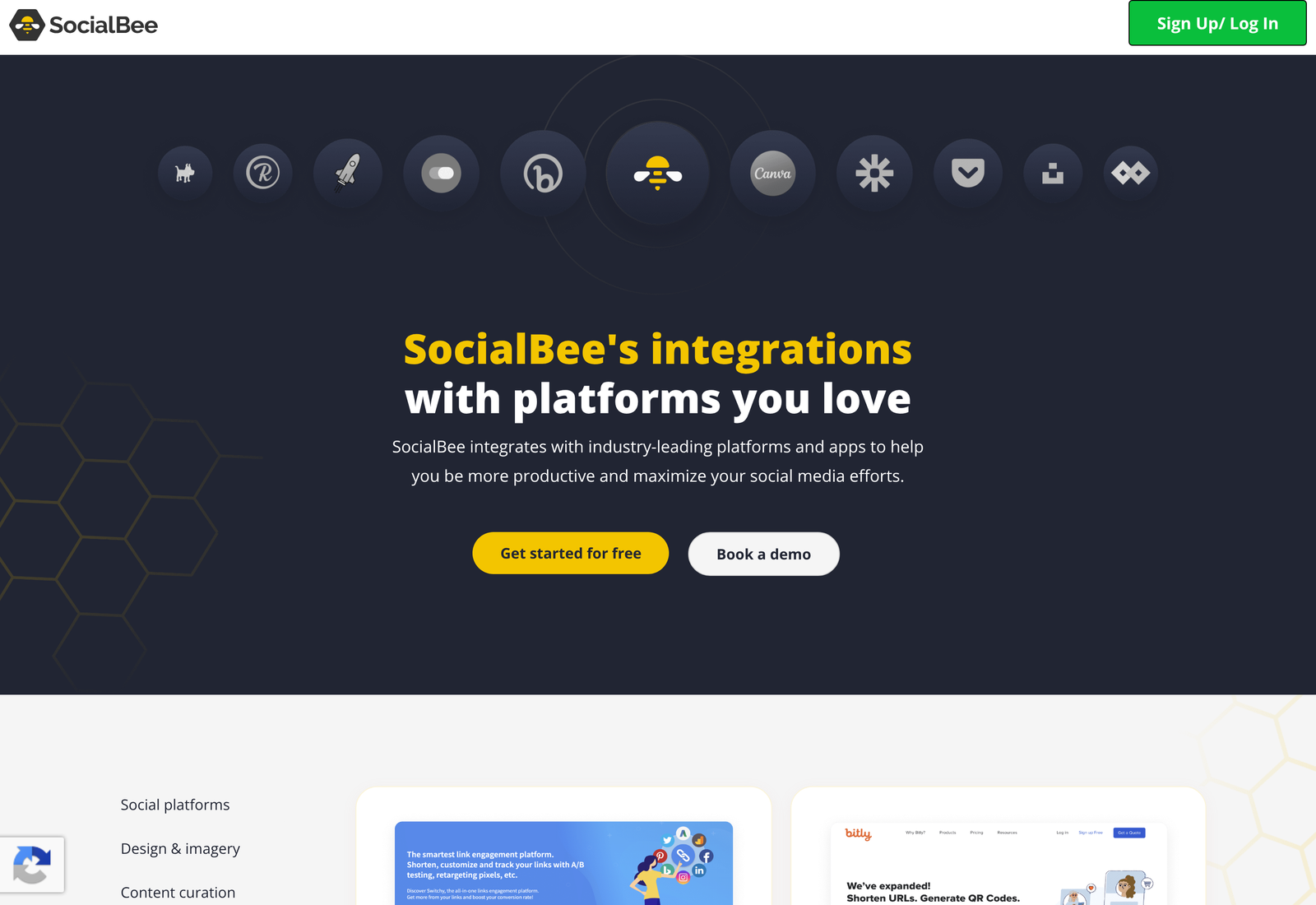
Bitly, Rebrandly, Replug, Switchy, BL.INK, JotURL and Rocketlink. Seven is a lot. Most schedulers offer one or two, or bundle their own, so SocialBee is unusually accommodating to teams who already pay for link infrastructure and do not want to migrate it.
The reason this category is crowded rather than redundant is that these tools do different jobs under a similar label. Bitly handles branded domains at scale. Rebrandly focuses on custom short domains with tracking. Replug and Rocketlink add calls to action and retargeting pixels to the destination. Switchy customises how a link renders before it is shared. Choosing among them is a decision about attribution and retargeting rather than about shortening.
A note on the page itself: as of 13 October 2026, the descriptions under BL.INK and JotURL do not match their headings. BL.INK’s card describes JotURL, and JotURL’s card repeats the Rebrandly text word for word. The entries are real; the copy beneath two of them has been crossed over. Verify capabilities on the shortener’s own site before choosing on the strength of that page.
Automation, and what the Zapier app can actually do
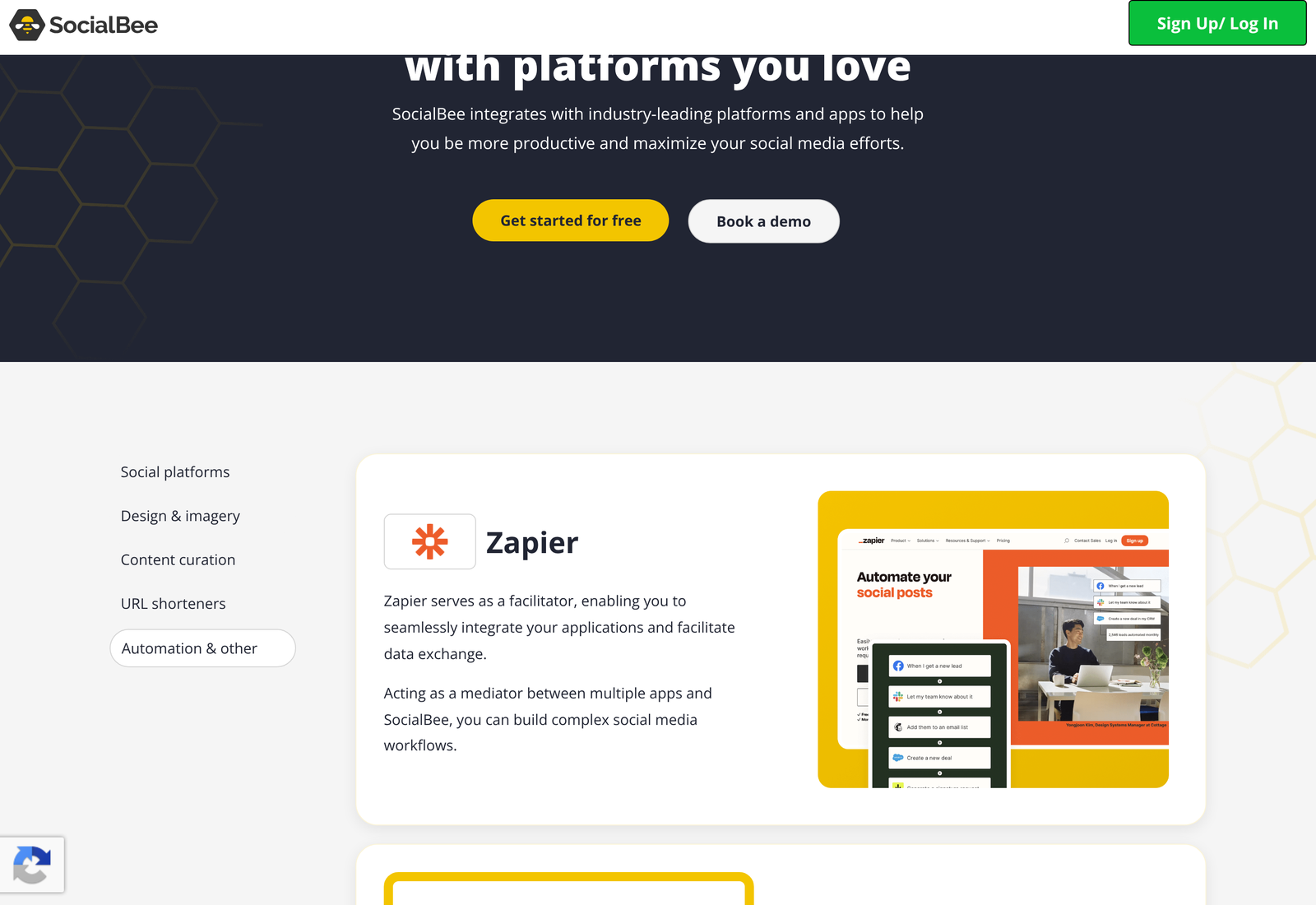
Zapier, Make and Pabbly all appear, described in near-identical terms as ways to connect SocialBee to other applications. The marketing copy implies broad capability. The Zapier listing tells you precisely what that capability is, and it is narrower than the copy suggests.
SocialBee’s Zapier app supports one trigger and one action. The trigger is called Post and fires instantly when a post is scheduled. The action is Create Post. That is the entire surface.
Create Post takes a required Workspace and required Text, then offers optional Media URL, a specific publish time, an expiry time, an expiry after a set number of posts, a flag to approve the post automatically, and two YouTube-only fields for title and privacy status. The workspace requirement is the detail to plan around: every automated post must be addressed to a specific workspace, so agencies running a client per workspace need one connection branch per client rather than one catch-all.
Make and Pabbly are listed with no detail about their respective trigger and action sets, so the Zapier inventory is the only one we can state with confidence. Automation platforms occasionally expose more of a product’s API than the vendor’s own Zapier app does, which makes Make worth testing during a trial if the single action blocks something you need.
What that one action is good for
Pushing content in from anywhere. The ready-made templates on the Zapier listing show the pattern clearly: new Shopify product becomes a post, new Google Drive file in a folder becomes a post, new RSS item becomes a post, new Typeform response becomes a post, new Trello card becomes a post. Every one of them is an inbound flow.
The single trigger supports the reverse direction in a limited way. When SocialBee schedules a post, you can notify Slack or Telegram, or mirror the content into Instagram or Pinterest through those apps’ own Zapier connectors.
What it will not do
Pull engagement metrics into a warehouse or a dashboard. Move a post between content categories. Trigger on publication rather than scheduling, which are different moments. Read the queue. Manage evergreen recycling rules. Sync audience data to a CRM.
None of that is a defect so much as a scope decision, and it is a reasonable one for a tool aimed at small teams and agencies rather than at enterprise reporting stacks. It does mean that anyone planning to feed SocialBee performance data into a BI tool should confirm the route before buying, because the Zapier path will not carry it.
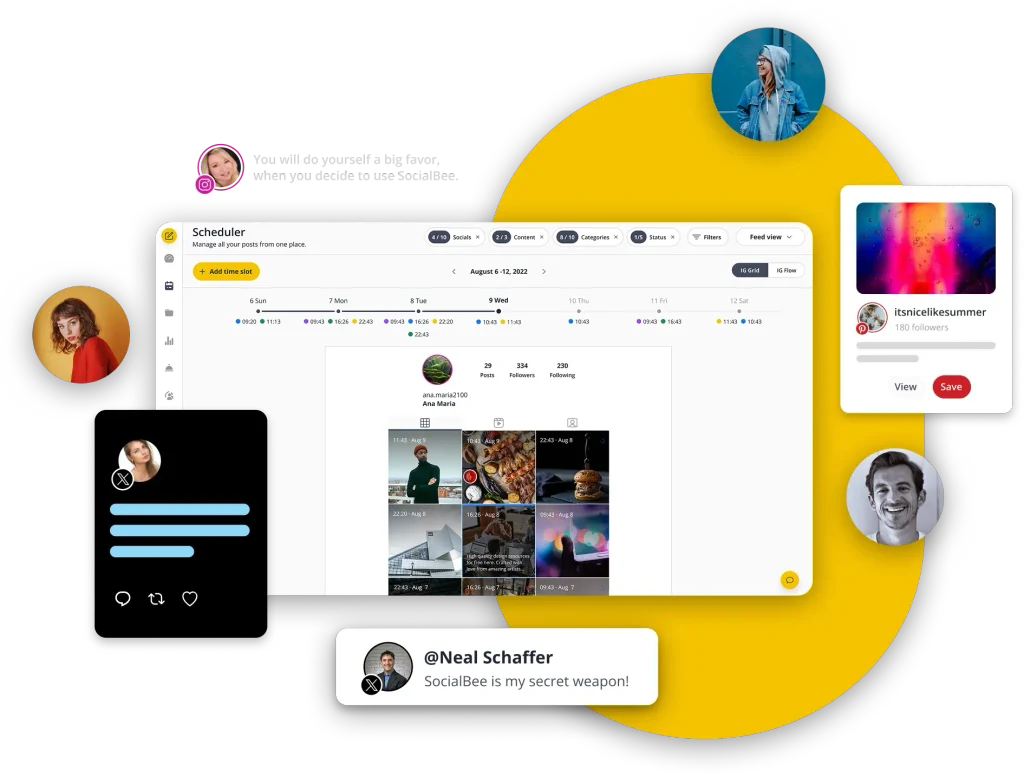
Zapier also exposes SocialBee’s Create Post action through its MCP server and its SDK, so an AI agent can schedule posts under scoped permissions. The underlying protocol is an open specification. The capability is still bounded by that same single action.
Workspaces are the unit everything addresses
One concept runs underneath the whole integration story and it is easy to miss until an automation fails. SocialBee organises accounts into workspaces, and a workspace is the container that holds social profiles, content categories, and queues.
The Zapier action makes workspace a required field for good reason. A post has to land somewhere specific. An agency with twelve clients in twelve workspaces cannot build one Zap that routes by content; it builds twelve, or it builds one with a branching step that maps an incoming identifier to the right workspace. Neither is difficult. Both need designing before you connect anything.
The same structure shapes cost, since workspaces are a billed dimension on SocialBee’s plans rather than an unlimited organisational convenience. Teams sometimes discover this after modelling their client structure, which is the wrong order.
How the shape compares
Judge an integration catalogue by its direction of travel rather than its length. SocialBee’s is strongly inbound. Fourteen non-social connections exist to get content and assets into the composer, and exactly one mechanism exists to get anything back out, namely the scheduling trigger.
That asymmetry is consistent with what the product is for. A scheduler earns its keep by reducing the effort of getting content published on a reliable rhythm. Reporting, attribution, and lifecycle marketing live elsewhere in most stacks, and tools that try to span all of it tend to be priced accordingly.
Where the asymmetry becomes a real constraint is approval workflow. A marketing team needing legal or client sign-off before a post goes live will find no native approval connector, and the Zapier action’s automatic-approval flag goes the other way by skipping review rather than enforcing it. Approval has to happen upstream, in whatever tool the draft originates in, before the Zap fires.
The API question
SocialBee operates an API at api.socialbee.io. We could not evaluate it, because the documentation sits behind an account login rather than being published openly. We do not guess at gated material, so nothing above assumes any endpoint exists beyond what Zapier demonstrably calls.
For buyers, this matters in a specific way. A team with engineering capacity might build what Zapier does not offer, but you cannot scope that work from public information. Ask for documentation access during a trial, before the plan decision rather than after it.
Who the integration set fits
A solo operator or small marketing team gets nearly everything they need. Canva for assets, a shortener they already use, Zapier to pull content from wherever it originates, and ten publishing destinations. The shape matches the job.
An agency gets a reasonable fit with one caveat around workspaces, since every automated post must name one. Build the client structure before building the automations, and that is a planning task rather than a problem.
A larger marketing organisation running attribution through a data warehouse will find the outbound side too thin. One scheduling trigger does not feed a reporting pipeline. Teams in that position typically pair a scheduler with a separate analytics layer anyway, so the question becomes whether SocialBee is strong enough on publishing to earn its place beside one.
Cost sits alongside capability here, and our breakdown of what SocialBee charges per social profile works through the tier ladder and the add-on arithmetic in detail.
SocialBee runs a 14-day free trial with no card required, which is long enough to build the Zapier flow you care about and confirm it behaves. The company trades as SocialBee LABS SRL and is part of WebPros. You can start a trial at SocialBee.
A trial worth running
Fourteen days is enough to answer the three questions that actually decide this purchase, and they are not the ones most trials get spent on.
First, connect every network you publish to and post one real item to each. Authorisation quirks and permission scopes surface immediately, particularly on LinkedIn company pages and Google Business, and they are far cheaper to discover now than in week three of a paid plan.
Second, build the single Zap you most need. Point it at a real workspace with real text and confirm the post lands where you expected with the fields you expected. The optional expiry settings and the automatic-approval flag behave in ways that are easier to observe than to reason about from a field list.
Third, ask support for API documentation access. The answer tells you whether the single Zapier action is a hard ceiling or merely the easy path, and that distinction shapes what you can build over the next two years.
Questions people ask
Does SocialBee integrate with a CRM?
Not natively. No CRM appears anywhere in the published integration catalogue. Anything in that direction runs through Zapier, Make, or Pabbly, and is constrained by the single trigger and single action those platforms can reach.
Can I pull SocialBee analytics into Looker or Power BI?
Not through Zapier, which offers no analytics trigger or action. SocialBee has its own API, but the documentation is login-gated, so we cannot say whether an endpoint exists for it. Confirm during a trial.
Are integrations limited by plan?
Nothing on the integrations page indicates any gating by tier. Plan limits published elsewhere concern social profiles, users, and workspaces rather than which tools you may connect.
Why so many URL shorteners?
Because they do different jobs. Some add branded domains, others add retargeting pixels or calls to action on the destination page. Supporting seven lets teams keep the link tooling they already pay for instead of migrating it.
Does the Zapier trigger fire on publish or on schedule?
On schedule. The trigger description states it runs when a post is scheduled, which is the moment the post enters the queue rather than the moment it goes live. Workflows that need to react to actual publication will need a different signal.
Can I schedule to Bluesky and Threads?
Yes. Both are listed as full publishing destinations alongside the older networks, which is still not universal among scheduling tools.
Does SocialBee post to Google Business?
Yes, and it sits in the same category tab as the social networks. For a business with physical locations, that means local search updates and social content share one queue and one calendar.
Will Canva designs sync automatically when I edit them?
SocialBee describes the connection as browsing and bringing designs in, which is a pull at the moment you compose. No live link is claimed that would update an already-scheduled post when the underlying design changes, so assume you re-select after an edit.
Sources
- SocialBee integrations page, read 13 October 2026, for the full catalogue, the five categories and the per-tool descriptions.
- SocialBee on Zapier, for the trigger and action inventory and the Create Post field list.
- Meta, Instagram Platform content publishing, for the 100 posts per rolling 24 hours limit and the carousel rule.
- Google, YouTube Data API quota costs, for the 1,600-unit upload cost and the default daily allocations.
Verified 13 October 2026. SocialBee’s own API documentation at api.socialbee.io is behind a login and was not assessed, so no claim above rests on it. The crossed-over descriptions under BL.INK and JotURL are reported as observed on the date shown.