

Who This Post Is For :
This post is for operators, managers, and owners who run frontline-heavy teams and are tired of pretending that consumer messaging apps are a good long-term work system.
If you manage people across clinics, restaurants, field teams, care environments, home services, or multi-location operations, Zenzap is aiming directly at you in 2026.
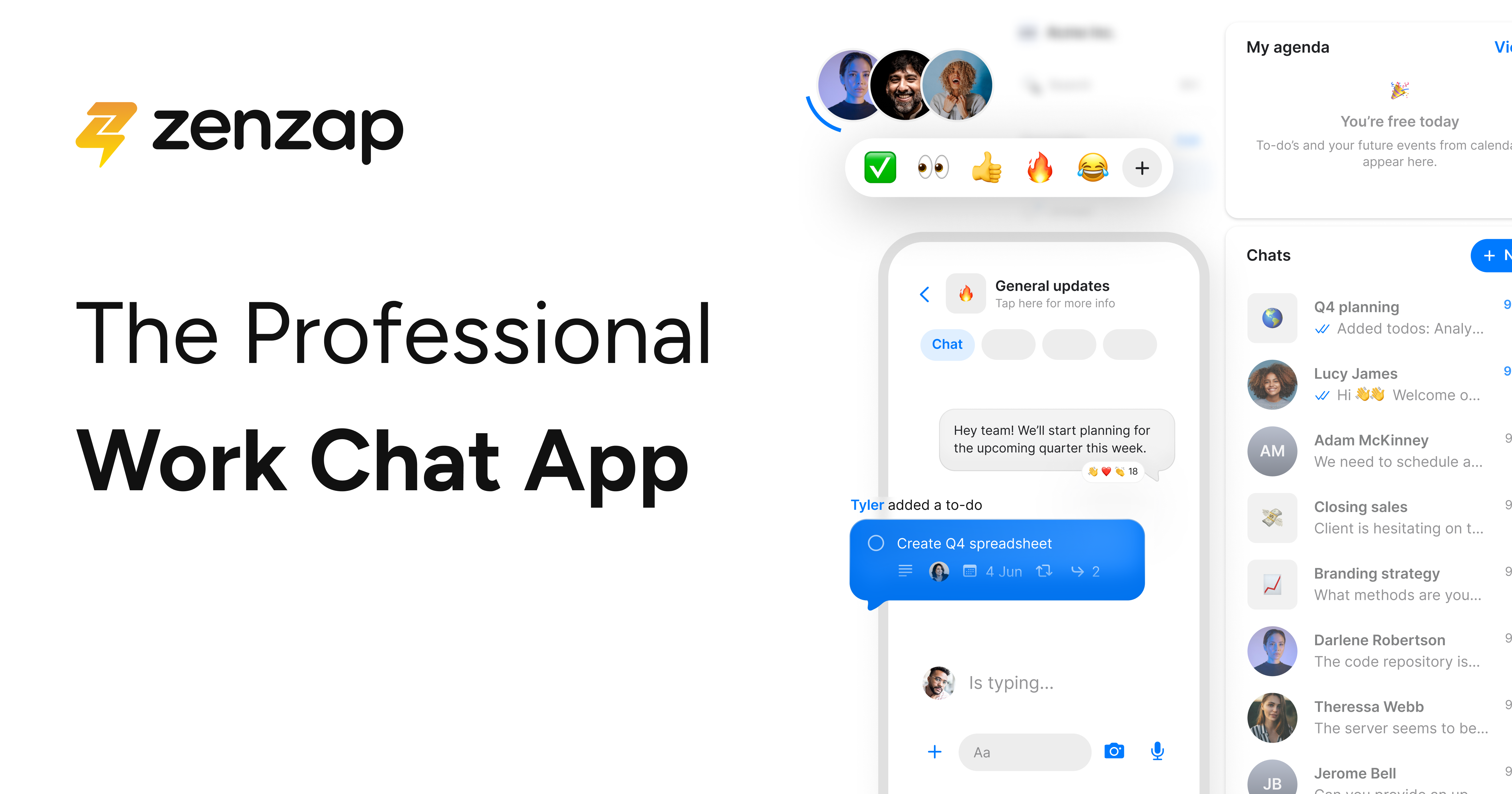
The official site positions it as a professional work chat built for the AI era. More importantly, the supporting pages repeatedly frame the product around secure, structured communication for real-world teams, not just office staff sitting in Slack all day.
That is why “frontline teams” is the right lens here.
The official Zenzap ecosystem calls out categories like:
- Clinics.
- Food Service.
- Care Homes.
- Small Businesses.
- Operations.
It also highlights customer stories from healthcare, home services, correctional care, and restaurant businesses. So this is not a random niche fit. It is right in the center of the public product story.
If you want to review the workspace while you read, start with Zenzap here.
Why Zenzap Fits Frontline Teams :
Frontline communication breaks down for very predictable reasons:
- People Use Personal Phones For Work.
- Messages Get Buried In Chaotic Group Chats.
- Managers Cannot Control Access Cleanly.
- Work Conversations Keep Bleeding Into Personal Time.
- Important Files And Decisions Get Lost.
Zenzap’s official site tries to solve those exact issues.
Its public pages emphasize:
- A WhatsApp-like experience with no training barrier.
- Structured, organized communication.
- Working-hours and notification control.
- Centralized admin permissions.
- Business data stored securely in the cloud, not on personal devices.
That is a strong fit for frontline teams because the real challenge is rarely “we need one more chat app.”
The challenge is:
“How do we keep communication fast enough for operations without turning it into unmanaged chaos?”
Top Features For Frontline Teams :
Feature 1: Familiar Chat Without The Learning Curve
Zenzap repeatedly says the product is as easy as Telegram, iMessage, or WhatsApp, but built for enterprise-grade use.
That matters a lot for frontline rollouts.
If your team needs a week of training before they can send a work update, the tool is already fighting human reality. Zenzap is clearly trying to remove that friction by making the interface feel familiar from day one.
The official site literally says:
- If You Can Text, You Can Zenzap.
- No Training Required.
- Mobile-first communication.
That is exactly the kind of onboarding promise frontline teams need.
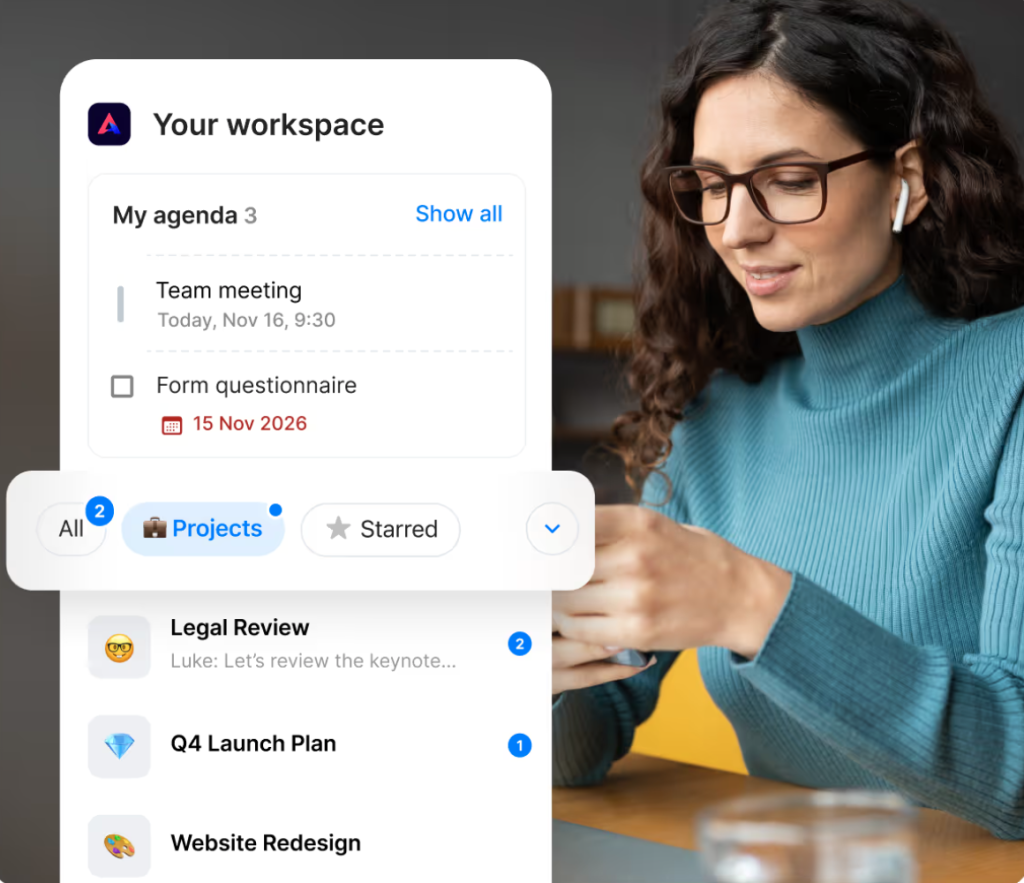
Feature 2: Organized Communication And Built-in Tasks
Zenzap’s product and pricing pages repeatedly surface structure features, not just chat volume.
The public messaging highlights:
- Organized chat folders.
- Unlimited built-in to-dos.
- Task checklist templates on higher plans.
- Tasks to calendar sync.
- Sub-task breakdown.
This is a big deal for frontline teams because their communication problem is usually not “no one can send messages.” It is that work gets discussed, half-tracked, and then forgotten.
Zenzap is trying to make chat a place where assignments and follow-through can actually live together.
Feature 3: Working Hours And Notification Control
This feature is easy to underestimate until you manage a busy frontline operation.
The pricing page lists working hours and notification control even on the free tier, and the employee-focused messaging emphasizes work-life balance and the ability to stop work from following people home.
That is practical, not decorative.
When managers can structure notifications and working windows better, you reduce:
- After-hours noise.
- Missed urgent updates.
- Burnout from constant pings.
- Informal expectations that everyone is always online.
Feature 4: Security And Admin Control
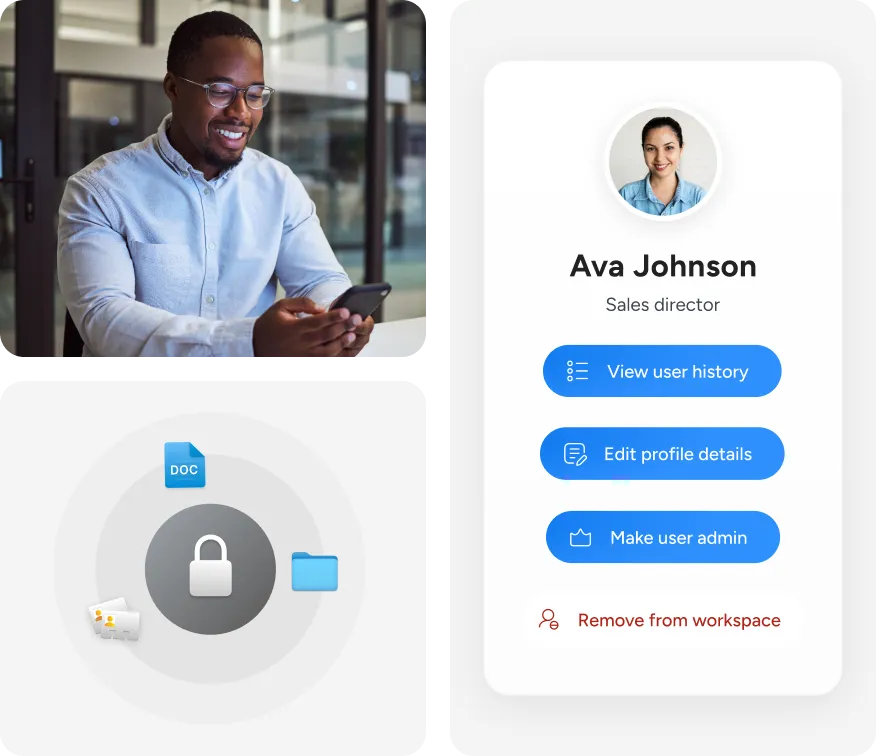
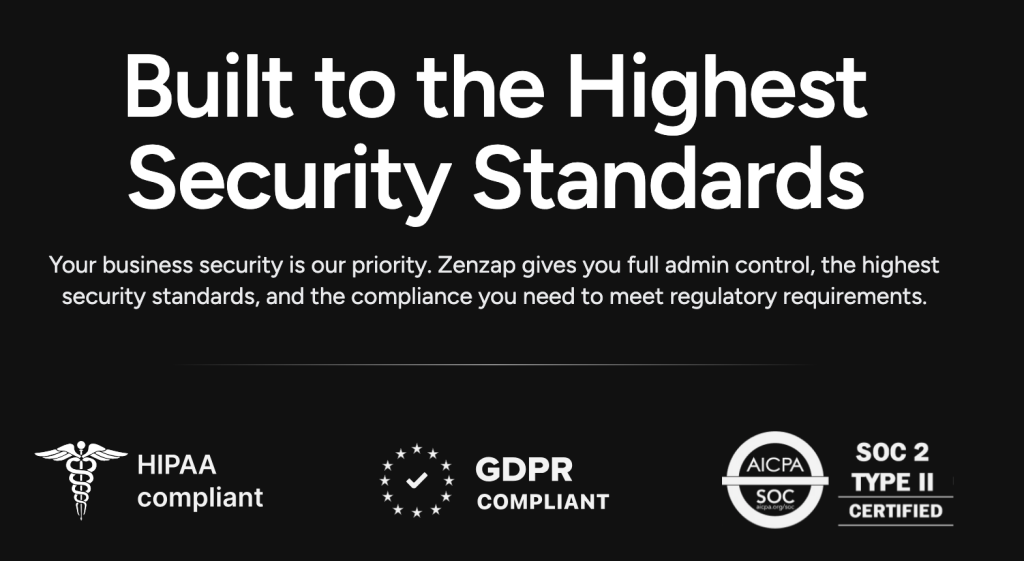
Zenzap leans heavily into security and control on its CIO and homepage messaging.
The official site highlights:
- Full admin control.
- Permission management.
- Instant access revocation.
- Cloud-secured business data.
- No company data stored on personal phones.
The CIO page also mentions:
- BYOK.
- SIEM.
- SOC2.
- GDPR compliance.
For frontline teams, this matters because turnover, shared devices, contractor access, and fast operational changes create access risk fast. A business chat tool has to make access removal easy, or it becomes a liability.
Feature 5: AI-Native Work Chat
This is where Zenzap gets more interesting.
The official homepage and AI pages describe the product as AI-native work chat with:
- Personal AI agents.
- Context-aware answers.
- Tool integrations.
- Team memory.
- Cross-app search.
- Secure access.
That does not mean every frontline team needs AI agents on day one. But it does mean the product is trying to evolve beyond basic business texting into a system where information, tasks, and automation can sit closer together.
For operations-heavy teams, that could become useful quickly once the chat history and process context are already inside the platform.
Real-world Fit For Frontline Teams :
Zenzap’s customer-story lineup says a lot about the intended use case.
The public examples include:
- A multi-location medical practice.
- A home services business.
- A correctional care provider across
65facilities. - A multi-location restaurant operation.
That is a very specific pattern: distributed, operational, people-heavy teams that need clearer control over how work communication happens.
This is not only for tech startups. If anything, the site suggests Zenzap is strongest when teams are mobile, shift-based, and operationally messy.
If your current setup is “WhatsApp groups and crossed fingers,” that should get your attention.
Pricing In Context :
Zenzap’s official pricing page is more detailed than most work-chat tools.
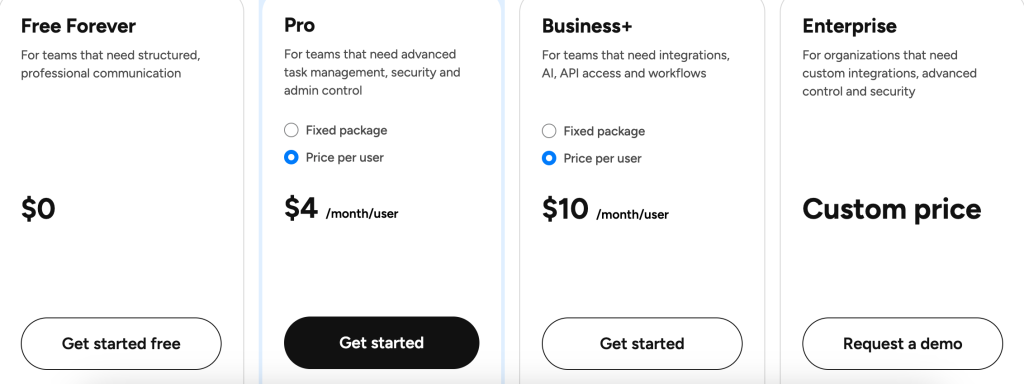
Visible 2026 pricing points include:
- Free Forever at
$0. - Pro from
$3per user per month billed annually. - Business+ from
$8per user per month billed annually.
The page also shows flat-package options such as:
- Pro for up to
20users at$28total per month billed annually. - Business+ for up to
20users at$67total per month billed annually.
The free plan already includes:
- Team access and permissions control.
- Unlimited group chats.
- Unlimited built-in to-dos.
- Admin content moderation.
- Working hours and notification control.
- Scheduled messages.
- Organized chat folders.
- Chat calendar integration.
- WhatsApp groups migration.
- Customer support.
1 GBsecure file storage.- Up to
5AI agents.
That is a generous starting point for smaller frontline teams.
As you move up-plan, the official page adds features like:
- Media sharing and download control.
- Group-chat creation permissions.
- Workspace invite management.
- WhatsApp import restrictions.
- Stronger task management depth.
If you want to compare the free and paid options against your team size, start with Zenzap here.
Alternative Tools For The Niche :
A frontline team comparing Zenzap will probably also think about:
- WhatsApp.
- Slack.
- Microsoft Teams.
- Other vertical work-messaging apps.
Here is the thing, though: Zenzap’s public positioning is not trying to win by being the most famous chat tool.
It is trying to win by saying:
- Consumer Chat Apps Lack Admin Control.
- Generic Office Chat Tools Can Feel Overbuilt For Frontline Use.
- Frontline Teams Need Mobile-first Structure, Not Tab-heavy Complexity.
That logic is pretty compelling if your workforce is not desk-bound.
Setup Steps For Frontline Teams :
The best way to introduce Zenzap to a frontline operation is to keep the rollout simple at first.
Use this path:
- Start With One Team Or Location.
- Create Clear Chat Folders By Function Or Shift.
- Set Working Hours And Notification Norms Early.
- Assign A Few Real Tasks Inside The Chat Instead Of Running Parallel Systems.
- Test Access Removal And Admin Controls Before Wider Rollout.
If your team is moving off WhatsApp, the migration angle becomes especially relevant because Zenzap’s public pricing page explicitly includes WhatsApp group migration on the free tier.
That lowers one of the biggest switching barriers: losing history and familiar communication habits.
Verdict :
Zenzap looks like a strong fit for frontline teams in 2026 because the official product story lines up with frontline reality: mobile-first usage, low training friction, stronger access control, working-hours boundaries, built-in task structure, and a clear path from basic professional chat to AI-assisted workflows.
The product feels especially relevant for healthcare, field services, food service, and multi-location operations where fast communication matters but personal-device chaos is a real risk.
If your team wants a work chat that feels familiar without giving up control, start with Zenzap here and compare the free, Pro, and Business+ options against the way your team actually communicates today.
If you are evaluating whether a frontline rollout should stay on the free tier or move into stronger admin and task controls, start with Zenzap here and test one location, one team, and one set of working-hours rules first.

FAQ :
Is Zenzap free to use?
Yes. The official pricing page includes a Free Forever plan at $0.
Who is Zenzap best for?
Based on the official use-case pages and customer stories, it looks especially well suited to frontline-heavy organizations such as clinics, restaurants, home services teams, care teams, and operations-focused small businesses.
What makes Zenzap different from consumer chat apps?
The official product story focuses on admin control, cloud-secured business data, working-hours control, permissions, task management, and not storing company data on personal phones.
How much does Zenzap cost after the free tier?
The public pricing page shows Pro from $3 per user per month billed annually and Business+ from $8 per user per month billed annually, with flat-package options for larger teams.