

Quick Verdict :
Zenzap’s pricing story is unusually friendly for a work chat platform. The official pricing pages show a Free plan, a Pro plan, a Business+ plan, and an Enterprise path. The Free plan is not a throwaway. It includes team access and permissions, unlimited group chats, built-in to-dos, working hours, scheduled messages, calendar integration, WhatsApp migration, customer support, and secure storage.
That is the big takeaway. Zenzap is not trying to lure you in with an empty free tier and then hide the real value behind a demo wall. It gives teams enough structure to see whether the chat model fits before they pay.
If you want to inspect the platform while you read, start with Zenzap here.
Pricing Overview :
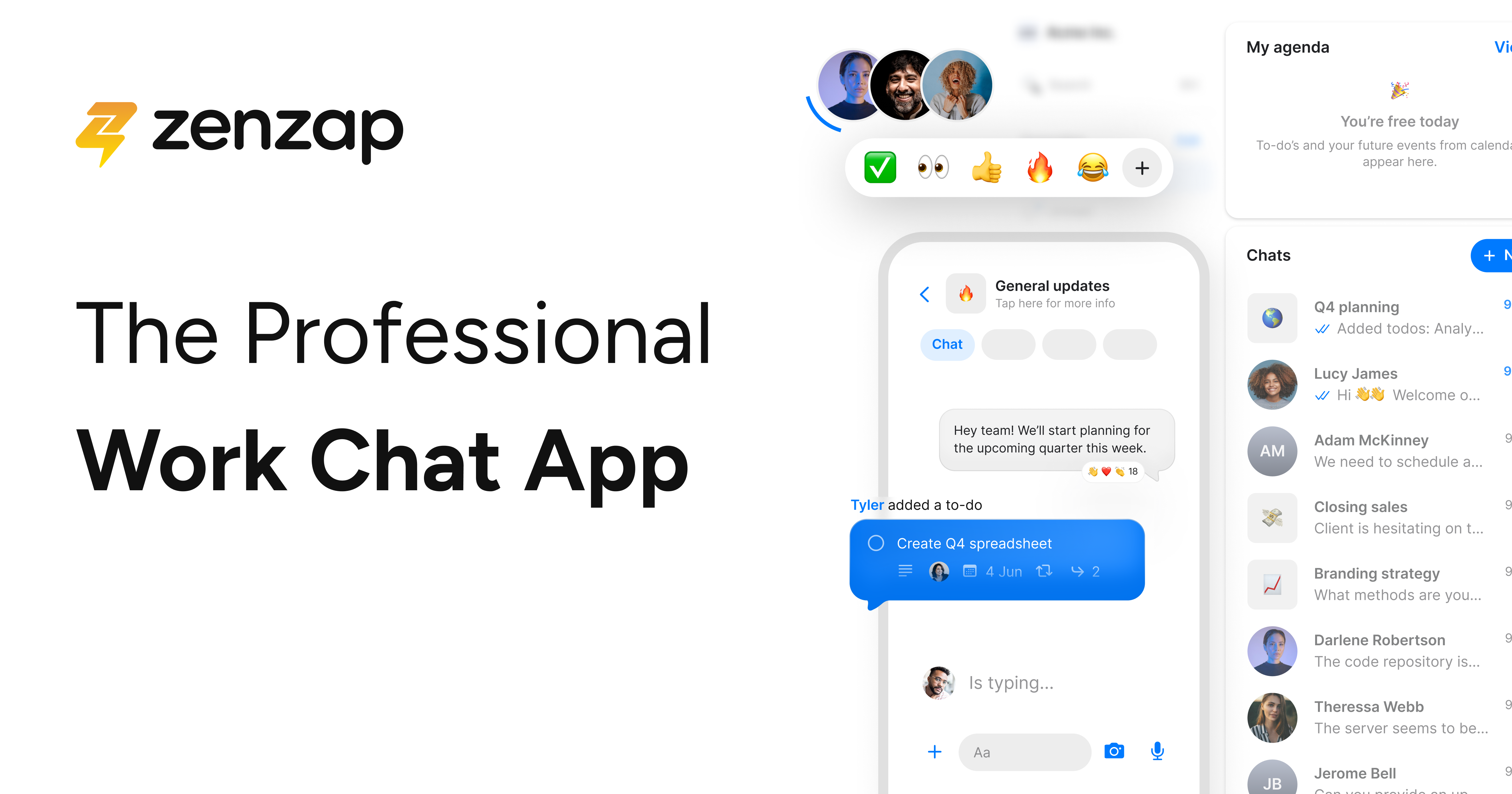
The official pricing pages show a simple but flexible model.
- Free:
$0and available for everyone. - Pro: available at about
$3per user per month billed annually, with fixed-package pricing also shown for up to 20 users. - Business+: available at about
$8per user per month billed annually, with fixed-package pricing also shown for up to 20 users. - Enterprise: custom pricing.
The important part is not just the numbers. It is the structure around them. Zenzap gives you a free entry point, then a low-cost path for small and flexible teams, then a more advanced tier for integrations, AI, API access, and workflows.
That makes it especially attractive for teams that hate surprise pricing and want a better sense of what they are paying for as they scale.
What The Free Plan Includes :
The Free plan is genuinely useful. According to the pricing page, it includes:
- Team access and permissions control.
- Cloud secured business data.
- Unlimited group chats.
- Unlimited built-in to-dos.
- Admin content moderation.
- Working hours and notification control.
- Scheduled messages.
- Organized chat folders.
- Chat calendar integration.
- WhatsApp groups migration.
- Customer support.
1 GBsecure file storage.
That is a lot for a free plan. It suggests Zenzap wants teams to get into a healthy communication structure early instead of waiting until they are already buried in Slack chaos.
If you want to see whether the free plan solves your team’s communication mess, start with Zenzap here and test the workflow with one team before you buy.
What Pro Adds :
The Pro plan is where Zenzap becomes more operational.
The official pricing page highlights features such as:
- Team personal details privacy.
- Media sharing and download control.
- Group chat creation permissions.
- Workspace invite management.
- WhatsApp import restrictions.
- Task checklist templates.
- Tasks to calendar sync.
- Sub-task breakdown.
- Smart task sorting and filtering.
- File malware scanning.
- Team onboarding and training.
- Advanced customer support.
100 GBsecure file storage.- Up to
15AI agents.
For a growing team, that combination is powerful because it gives you better control over people, tasks, files, and access without making the product feel bloated.
The low per-user price also matters. Pro at roughly $3 per user per month billed annually is a strong entry point if you need more than the free plan but do not yet need the heavier Business+ stack.
What Business+ Adds :
Business+ is the more serious workflow tier.
The official pricing page points to features like:
- Integrations.
- AI.
- API access.
- Workflows.
- Higher-capacity team pricing structures.
That is the layer where Zenzap stops being just a structured chat app and starts acting like a communication hub. If your team wants chat to connect with other tools instead of living in isolation, Business+ is the tier to watch.
This is also where the product becomes attractive for agencies, operations teams, and growing businesses that need chat, tasks, and integrations in one place.
If your team needs integrations and workflow control, start with Zenzap here and compare the Pro and Business+ tiers against your current communication stack.

Hidden Value And Hidden Costs :
The hidden value of Zenzap is that it bundles a lot of daily friction points into one place:
- Chat.
- Tasks.
- Working hours.
- Scheduling.
- Calendar integration.
- File storage.
- Permissions.
- Migration from WhatsApp groups.
That reduces the chance that your team ends up bouncing between tools for the same conversation.
The hidden cost is less obvious but still real: if you do not use the structure, you will not feel the benefit. Zenzap works best when the team actually commits to using topics, tasks, file organization, and access controls.
That is not a pricing problem. It is an adoption problem. The software is clearly designed for teams that want a more disciplined way to communicate.
ROI Example :
The ROI case for Zenzap is easy to understand.
If your team currently uses one app for chat, another for to-dos, another for scheduling, and another for file sharing, Zenzap can reduce the number of places people need to check. That saves time, yes, but it also saves attention. The team spends less energy trying to remember where something was posted.
For a small business, that can mean fewer missed messages. For an agency, it can mean cleaner client or project threads. For an operations team, it can mean fewer “where did that file go?” moments.
When you put a real dollar value on those small time savings, even a low-cost paid tier can become easy to justify.
Best Value Tier :
The best value tier depends on your size.
- Free is the best place to start if you are validating the workflow.
- Pro is the best value if you need stronger task management and file controls.
- Business+ is the better choice if you need integrations, AI, API access, and workflow depth.
That is a helpful ladder because the upgrade path is obvious. You do not need to invent the use case. The product already tells you where each tier makes sense.
Annual Billing And Savings :
The pricing page makes one thing very clear: yearly billing saves money versus monthly billing.
That matters if you are already sure the tool fits. For teams still experimenting, the Free plan is the right move first. After that, Pro or Business+ can make sense once the team uses the app consistently and you have a clear communication structure in place.
What A Good Trial Looks Like :
A good Zenzap trial should answer one simple question: does the team actually use it?
To find that out, do not just sign up and look around. Put a real team through a real week of work.
- Create a few topic-based chats.
- Assign at least a few built-in to-dos.
- Turn on scheduled messages and working hours.
- Test file sharing and storage limits.
- Try the calendar integration and WhatsApp migration flow.
If the team starts using the structure naturally, then the upgrade path makes sense. If everyone ignores the organization features and keeps using the app like a messy group chat, the product is probably not the right fit.
When The Upgrade Is Worth It :
Upgrade when the free plan starts being too small for one of these reasons:
- You need better task control.
- You want more file storage.
- You need stronger privacy and access settings.
- You want integrations or API access.
- You need AI help and workflow depth.
That is the honest way to think about the pricing page. Zenzap is not expensive in the usual SaaS sense. The real question is whether the structure saves enough time and friction to justify the paid tier.
If you want to move from trial to a paid structure without overbuying, start with Zenzap here and choose the smallest tier that covers your real workflow.
What A Successful Rollout Looks Like :
A successful Zenzap rollout usually starts with one team that actually wants structure.
The team should agree on a few basics:
- Which chats are for topics, projects, or departments.
- Which tasks get assigned inside conversations.
- When working hours should pause notifications.
- How files should be shared and stored.
If those basics are clear, the app becomes very useful very quickly. If the team wants another chaotic chat layer, Zenzap will not magically fix that. The product is built to reinforce structure, not to rescue a broken communication culture.
The Real Buying Question :
The real buying question is simple: will the team use the structure every day?
If the answer is yes, the Free plan is a smart starting point and Pro or Business+ can pay off quickly. If the answer is maybe, the best move is to trial it first and let the team’s behavior decide.
That is why the pricing model works well. It gives you enough room to test the app without forcing a big commitment too early.
Verdict :
Zenzap is attractive because the pricing is transparent enough to understand without a sales call, but the product still has real depth. The Free plan is generous, Pro is affordable, Business+ adds the workflow tools that growing teams need, and Enterprise handles larger needs.
If you want a work chat app that feels organized, secure, and easy to adopt, Zenzap has a strong pricing story. It is especially compelling if your team is tired of scattered communication and wants a cleaner structure.
If that is your situation, start with Zenzap here and begin with the free plan before deciding whether Pro or Business+ is the right next step.

FAQ :
Is Zenzap free?
Yes. The pricing page shows a Free Forever plan with useful collaboration features.
How much does Zenzap cost?
The official pages show Pro at about $3 per user per month billed annually and Business+ at about $8 per user per month billed annually, along with fixed-package options and Enterprise custom pricing.
Does Zenzap include task management?
Yes. Built-in to-dos are part of the free plan, and Pro adds richer task features.
Does Zenzap support integrations and API access?
Yes. That is part of the Business+ and higher story.
Is Zenzap good for small teams?
Yes. The free and low-cost tiers are especially friendly for smaller teams.