

Intro For Beginners
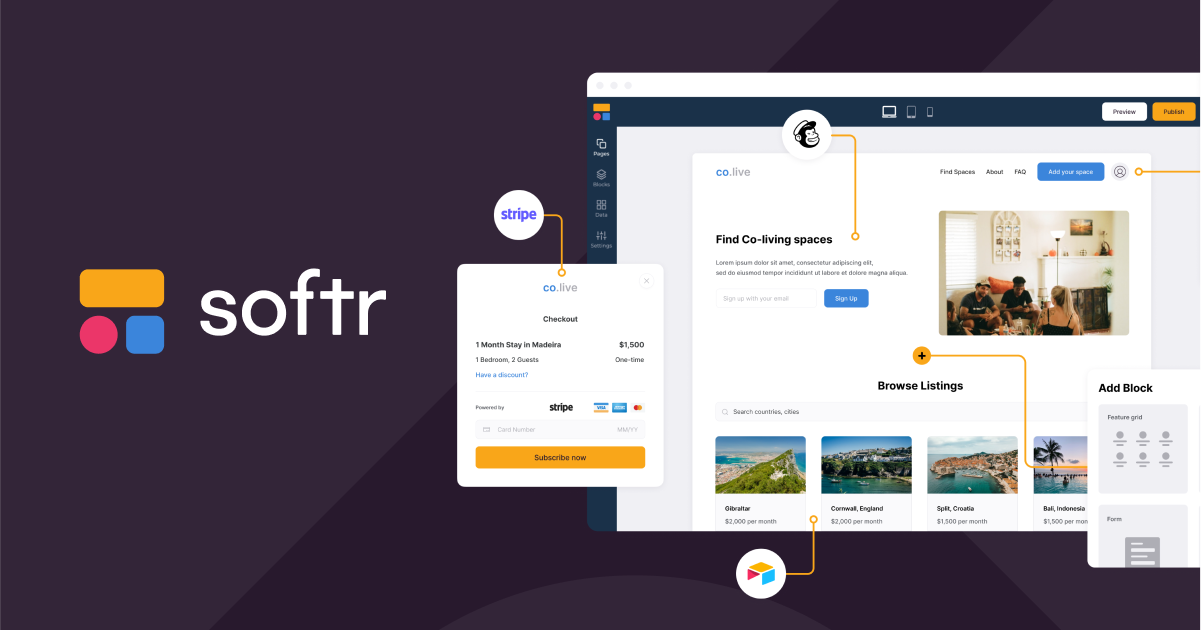
Softr is a strong beginner-friendly option if you want to build real business apps without starting from a blank technical stack. The official page positions it as an AI platform for business apps, workflows, integrations, and mobile apps, which is a pretty wide surface area for a beginner’s guide.
That sounds broad, but the beginner lesson is actually simple: Softr is built to help you turn data and logic into something people can use. That could be a portal, an internal tool, a knowledge base, a CRM-like app, a dashboard, or a workflow-driven system.
If you want to test the platform while you read, start with Softr here.
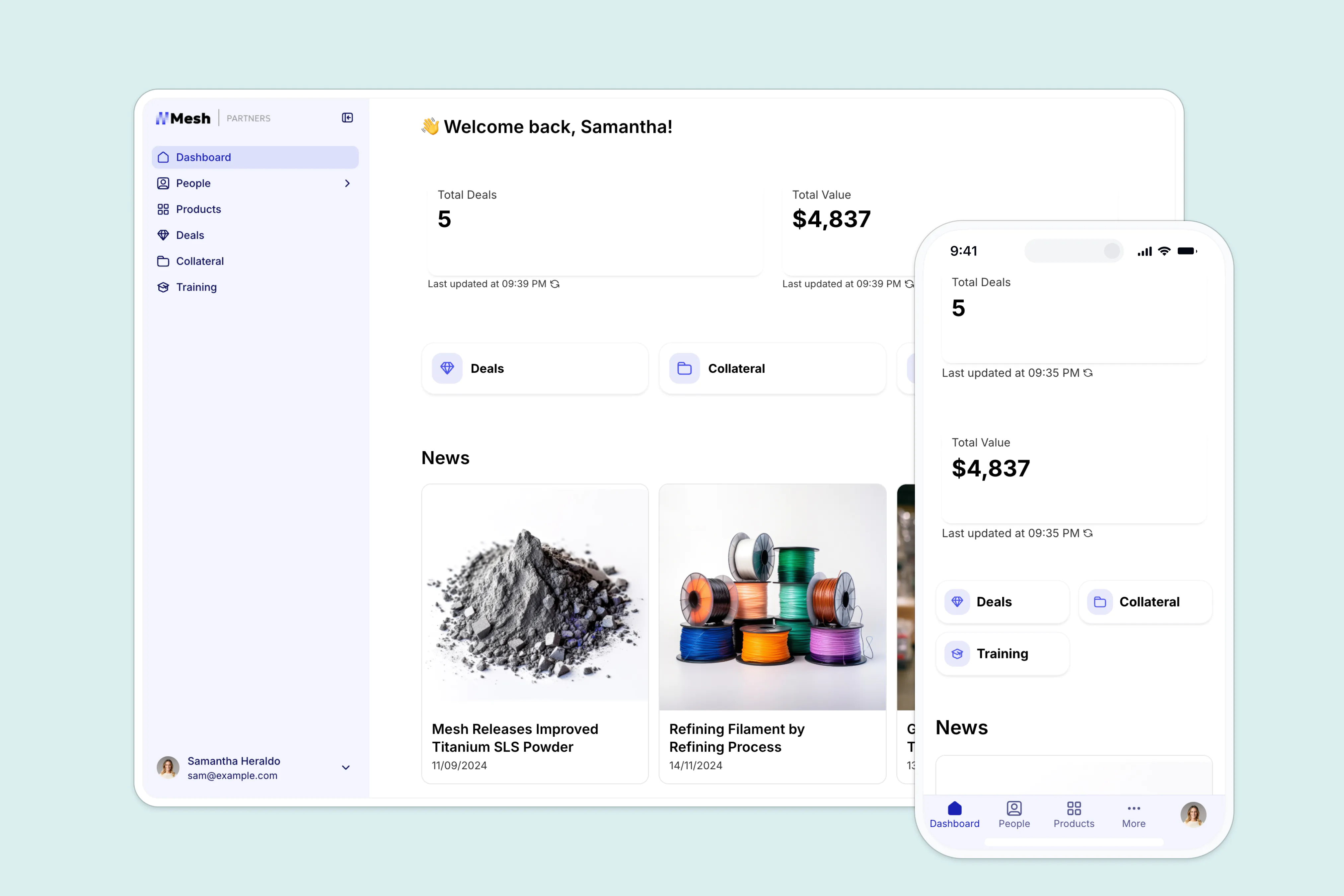
The official site also highlights Ask AI, team intranets, ERP-style apps, inventory management, project management, dashboards, and reporting. That tells you the product is not just for simple pages. It is for structured work.
Account Setup
The cleanest way to start with Softr is to think in terms of one real use case, not ten hypothetical ones.
- Pick the problem you want to solve.
- Choose the closest template or starting layout.
- Connect the data source you already trust.
- Build the first view.
- Test it with one real user.
The official page shows that Softr supports a wide set of data sources, including Airtable, Google Sheets, Notion, SmartSuite, Xano, Coda, monday.com, Supabase, ClickUp, HubSpot, BigQuery, PostgreSQL, SQL Server, MariaDB, MySQL, and REST API.
That is the real beginner advantage. You do not have to invent the data model first. You can often connect the system you already have and build around it.
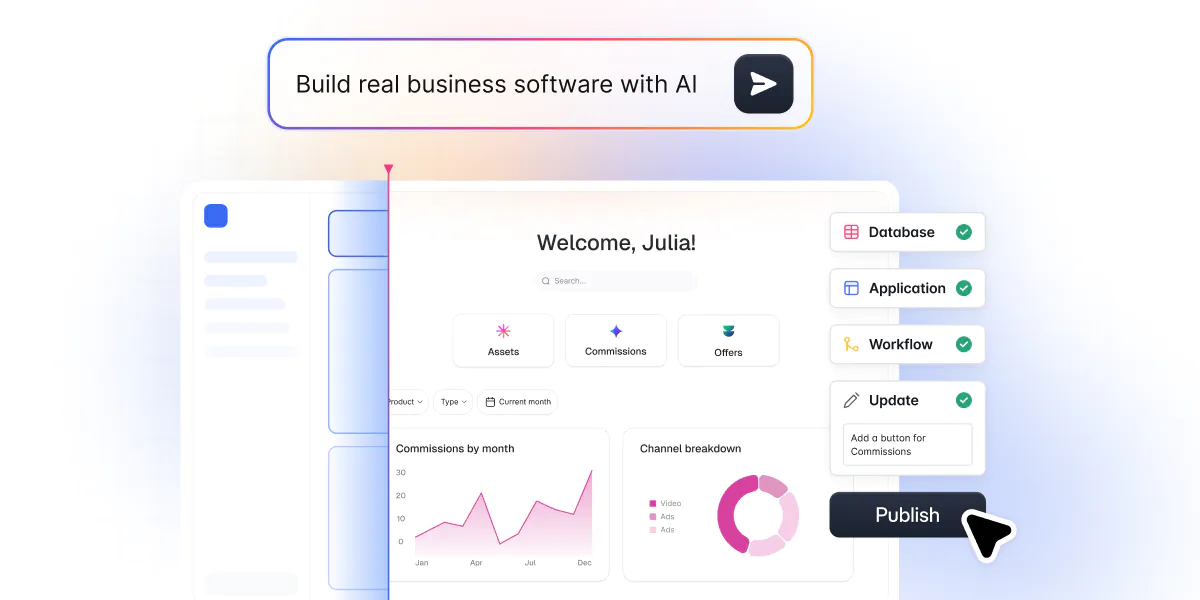
If you are comparing setup speed against a more technical stack, start with Softr here and try wiring it to one live data source first.
Dashboard Overview
For a beginner, the dashboard is less about “every possible setting” and more about “what do I control right now?”
The useful dashboard mindset is:
- What data source is connected?
- What templates or apps are active?
- What user-facing views are already live?
- What permissions or access rules matter?
- What needs to be refined before anyone else uses it?
That is why Softr can feel friendly to non-technical teams. The product is designed to help you move from raw data to usable app behavior without forcing you to code the whole experience yourself.
The official positioning around portals, team intranets, knowledge bases, CRM use cases, and reporting also tells you where the dashboard becomes valuable. It is not just a control panel. It is a place to organize how the app behaves.
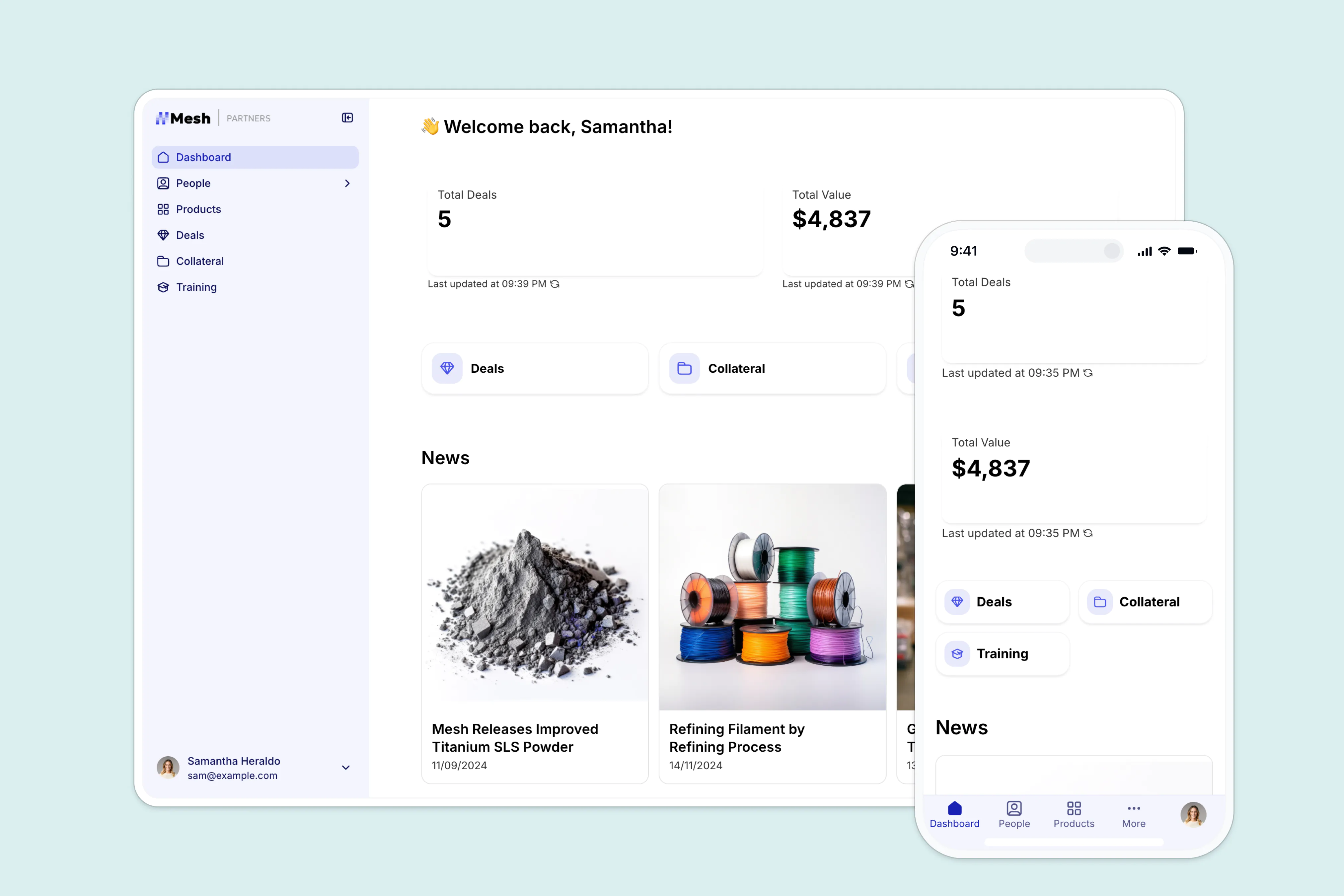
If you want a more visual way to understand the flow, start with Softr here and compare the dashboard against the system you already use.
First Workflow Walkthrough
The easiest first workflow is something boring in the best possible way.
Imagine a small internal portal:
- Your data lives in Google Sheets or Airtable.
- Softr reads the data and turns it into a clean app.
- Team members log in and see only what they need.
- Updates in the source data change the app view.
- The team gets a usable workflow instead of another spreadsheet maze.
That is a lot more practical than trying to build a huge custom app on day one.
The official page’s focus on workflows, business apps, portals, and dashboards is what makes this setup feel natural. Softr is trying to bridge the gap between “we have data” and “we have a tool people can use.”
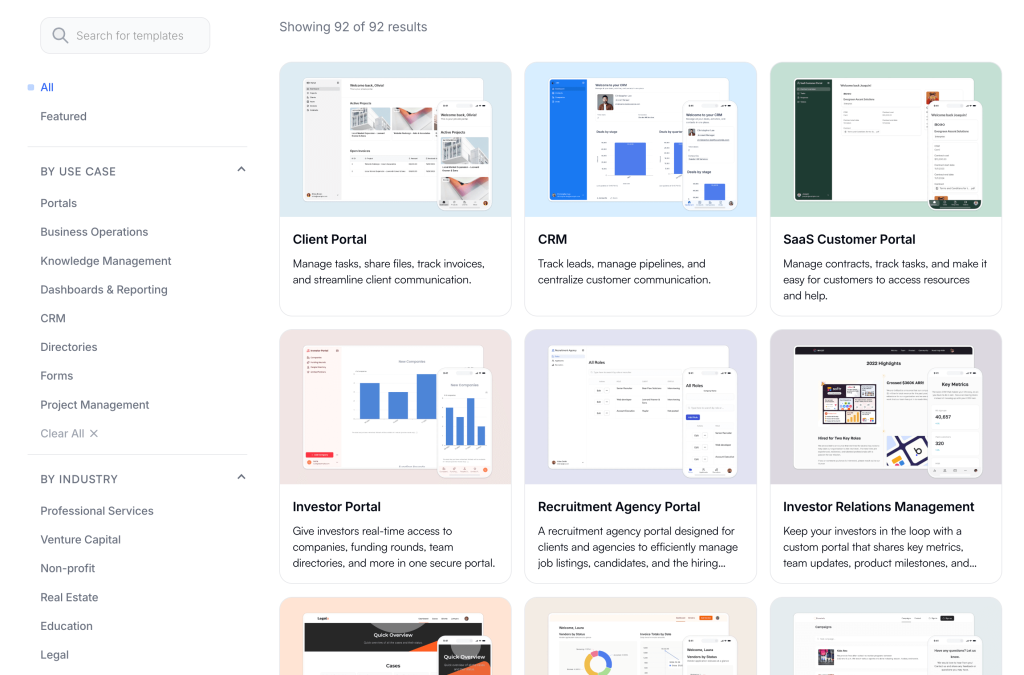
If you already have a data source and want to see how fast the app layer comes together, start with Softr here.
Best Practices
The best Softr setups are usually the ones that stay narrow at first.
- Start with one workflow.
- Use one clean data source.
- Keep permissions simple.
- Build one user path before adding more.
- Test the app with real users early.
- Expand only after the core flow is stable.
That is the easiest way to avoid turning a helpful app builder into a giant unfinished project.
One more useful habit: match the template to the actual use case. If you are building a portal, use the portal mindset. If you are building an internal tool, design for staff workflow. If you are building a dashboard, think about reporting first.
The official page makes it clear that Softr can cover a lot of territory, but beginners still win by choosing one lane.
Common Mistakes
The biggest beginner mistakes are pretty familiar:
- Trying to build too much at once.
- Connecting messy data before cleaning the source.
- Ignoring permissions until the end.
- Choosing a template that does not match the real workflow.
- Treating the app like a design project instead of an operating tool.
Another mistake is expecting Softr to magically decide the business logic for you. It will help you build the interface and workflow, but you still need to know what the app is supposed to do.
That is not a weakness. That is the whole point of using it well.
Support Resources
The best support resources for a beginner are the ones that reduce fear.
For Softr, start with:
- The official template page and use case pages.
- The official data-source integrations list.
- The AI and workflow documentation.
- The portal and intranet examples.
- Any help docs tied to your starting template.
That support path matters because beginners usually do not need “everything.” They need the first app to work once.
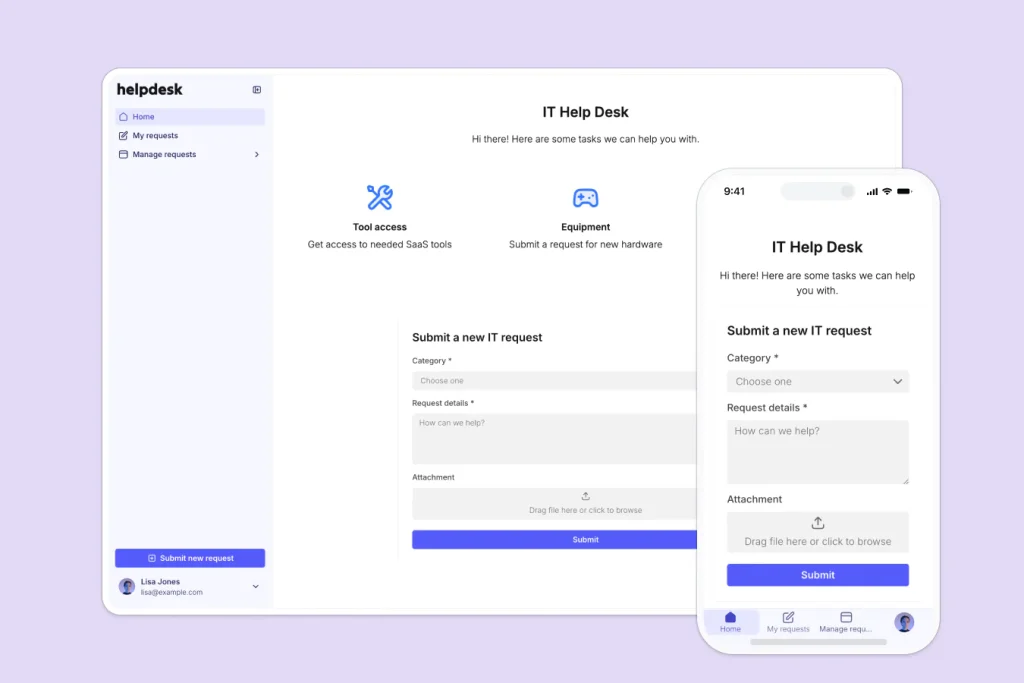
If you want to reduce setup guesswork, lean on the official source lists instead of trying to improvise from scratch.
When Softr Starts To Feel Real
Softr usually clicks once the first workflow stops feeling like a demo and starts feeling like something the team actually needs every day.
That moment is often simple. A shared internal portal becomes easier to use than the spreadsheet it replaced. A client-facing app feels cleaner than the old email-based process. A dashboard finally puts the right data in front of the right people without someone manually copying it over.
That is the real beginner milestone. Not “I built something complicated.” Instead, it is “the team used it without asking three follow-up questions.”
The official page’s focus on portals, intranets, knowledge bases, CRM-style apps, and reporting makes this especially relevant. Softr is not trying to win by being a toy. It is trying to win by making the workflow easier to understand and easier to run.
Pricing And Scope
I am not pulling pricing numbers here because the source set for this draft is the product template page rather than a public pricing sheet, and I do not want to guess.
That said, the right beginner buying question is still straightforward: what scope do you actually need right now?
If you only need one app with one clean data source, you should not buy for a future version of the project that does not exist yet. If you already know you need more than one workflow, more than one role, or more than one connected source, then it makes sense to evaluate the product in that fuller context.
The best way to think about Softr is that the price should follow the usefulness of the app. If one working portal saves hours of manual coordination, the product is already doing real work. If it becomes another partially finished internal project, the cost starts to feel heavier.
So the right pricing lens is not “cheap or expensive?” It is “does the first useful app justify the step up from the tools I already have?”
Once that answer is yes, the rest of the decision becomes easier. You are no longer evaluating a vague app builder. You are evaluating whether a working portal, dashboard, or internal tool saves enough time to justify becoming part of the team’s daily workflow.
That is the moment when beginners stop thinking in features and start thinking in outcomes.
Verdict
Softr is a good beginner choice when you want to go from data to a real app quickly.
The official positioning around business apps, workflows, integrations, mobile apps, portals, knowledge bases, CRMs, project management, and dashboards makes it clear that this is more than a landing-page tool. It is aimed at teams that need structured internal or external experiences.
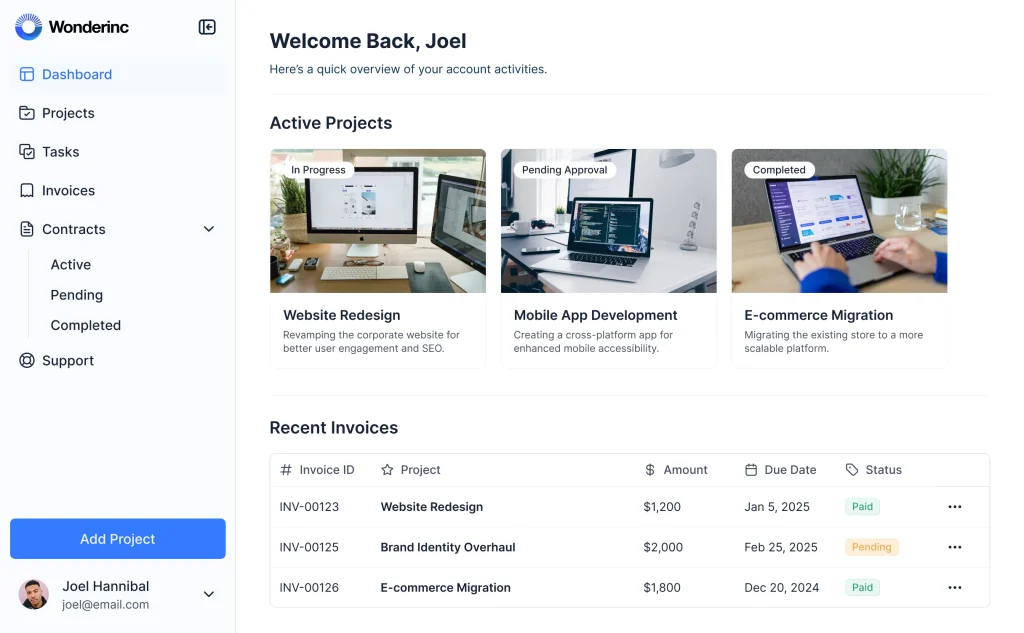
The smartest first move is simple: pick one workflow, connect one data source, and ship one useful app.
If that sounds like the kind of start you want, start with Softr here and build the first working version before you expand.
FAQ
What is Softr best for?
Softr is best for business apps, workflows, portals, intranets, knowledge bases, dashboards, and other structured app experiences built on top of existing data.
What data sources does Softr support?
The official page highlights Airtable, Google Sheets, Notion, SmartSuite, Xano, Coda, monday.com, Supabase, ClickUp, HubSpot, BigQuery, PostgreSQL, SQL Server, MariaDB, MySQL, and REST API.
Is Softr beginner-friendly?
Yes. It is beginner-friendly if you start with one use case and one data source instead of trying to build everything at once.
What is the safest way to start?
Use one real workflow, connect one clean data source, and test the app with a small group before expanding.