


Power User Intro :
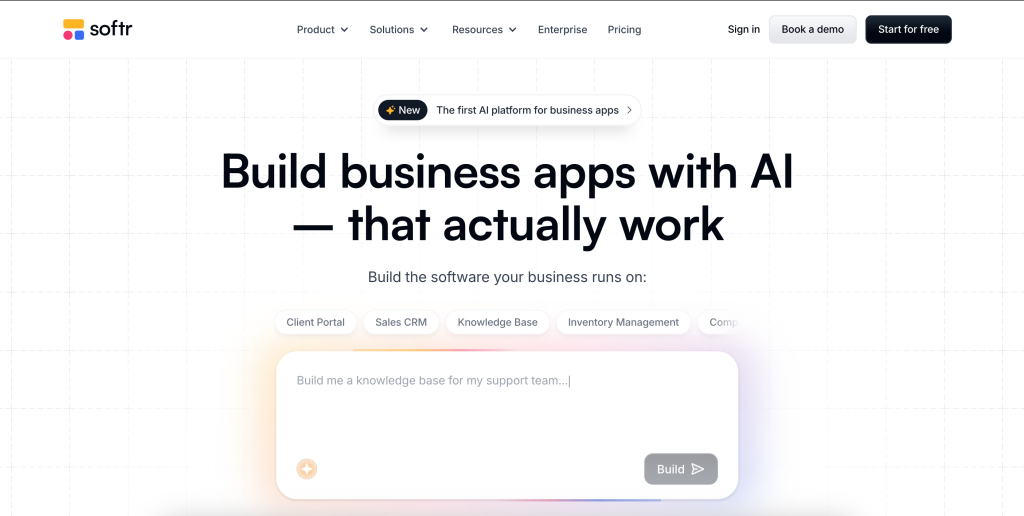
Softr gets a lot more interesting once you stop thinking about it as a quick no-code toy and start using it like business software that people actually depend on. The official product pages now position Softr as an AI-native platform for building portals, internal tools, CRMs, dashboards, and other operational apps without code. That shift matters because the advanced story is no longer just “build a page fast.” It is “build a working system that can handle users, permissions, workflows, and ongoing changes without turning into a brittle mess.”
If you are already past the first-app stage, this is where Softr starts earning its keep. The advanced plans and feature matrix show a platform built around AI app generation, databases, workflows, role-based visibility, global data restrictions, embedded blocks, PWA support, and deeper customization through custom CSS and JavaScript.
If you want to explore the advanced side while you read, start with Softr here.
What Changes Once You Move Beyond The Basics :
The beginner version of Softr is usually about proving a concept. You spin up a portal, connect a data source, show some records, and feel smart for not opening a code editor.
The advanced version is different.
Now you care about things like:
- Role-based access that does not leak the wrong records.
- Workflows that remove repetitive admin work.
- Global data restrictions that apply across the app instead of one block at a time.
- Mobile delivery that still feels usable in the field.
- Governance features that make change management less stressful.
That is the real dividing line. The more your app starts behaving like internal infrastructure, the more the advanced feature set matters.
Advanced Feature 1: AI App Builder With Real Platform Depth
Softr is now openly leaning into its AI App Builder story. The official product and pricing pages position the platform as an AI-native business app builder, not just a visual site builder with a few forms attached.
That matters because the advanced use case is not only speed. It is structured speed. You want faster setup, yes, but you also want the result to support real users and real logic.
On the public pages, Softr highlights:
- AI App Builder.
- Databases.
- Workflows.
- Forms.
- Progressive Web Apps.
- Enterprise-grade security themes, such as SOC 2 positioning.
In plain English, the power-user value is this: you can use AI to accelerate the build, then use the rest of the platform to make the app sustainable.
That is a better story than “AI generated something pretty.” It is closer to “AI helped me build the first version, and the platform gave me a way to run it.”
Advanced Feature 2: Workflows, Forms, And Operational Automation
This is where a lot of teams either save real time or create fresh chaos.
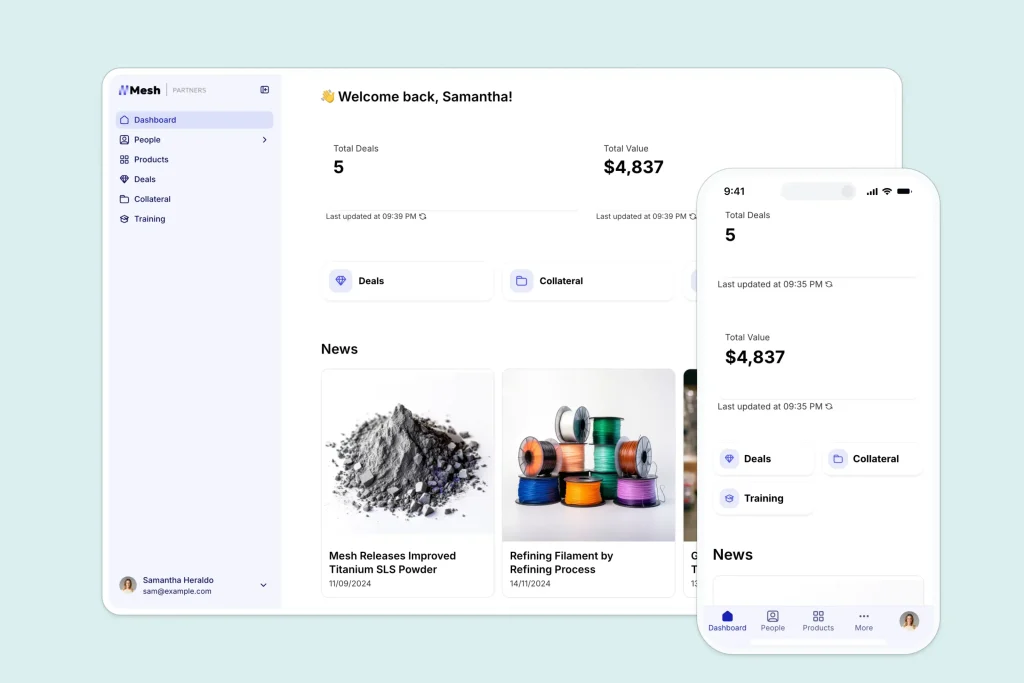
Softr’s advanced stack includes workflows and forms as first-class platform pieces, which makes it easier to automate repetitive actions instead of relying on manual updates or duct-taped handoffs. If your team is building internal request systems, partner portals, or approval-driven tools, this becomes one of the most practical advanced capabilities on the platform.
Here is the thing: a portal without workflows is usually just a prettier spreadsheet front end. Once you add forms and workflows, the app starts behaving more like an operating system for a process.
Useful advanced workflow patterns include:
- Intake forms that trigger a record creation flow.
- Approval steps based on user role or record status.
- Internal tools that collect data and route it to the right team.
- Client or vendor portals that let outside users update records without exposing everything else.
That is the moment Softr starts moving from “nice interface” to “actual process layer.”
If you are testing this against your current manual flow, start with Softr here and map one real request cycle from intake to completion.
Advanced Feature 3: Permissions That Feel Like A Serious Business Tool
This is one of the strongest signals that Softr is trying to support bigger operational use cases.
The pricing page’s full comparison section shows a clear permissions ladder:
- Basic visibility settings are broadly available.
- Advanced visibility settings appear on Professional and above.
- Global data restrictions become much more capable on Business and Enterprise, including broader view, create, delete, and update controls.
That is a meaningful jump.
For a power user, permissions are not a side issue. They are the difference between:
- A usable client portal and a support nightmare.
- A secure internal tool and accidental data exposure.
- A manageable operations app and a one-off demo that cannot scale.
Global data restrictions are especially important because they reduce the need to configure every screen manually. If employees should only see tasks assigned to their team, or clients should only see their own records, that kind of control has to be reliable everywhere.
That is the sort of feature you only notice when it is missing. And when it is missing, you notice it very fast.
Advanced Feature 4: Customization Without Leaving The Platform :
One of Softr’s more practical advanced strengths is that it gives you room to sharpen the app without forcing a full rebuild elsewhere.
The public comparison grid shows advanced availability for:
- Custom CSS and JavaScript.
- Embedded Softr blocks on other sites.
- Progressive Web App support.
- Longer app-history windows on higher plans.
That combination matters for teams that are trying to keep one platform while still making the result feel tailored.
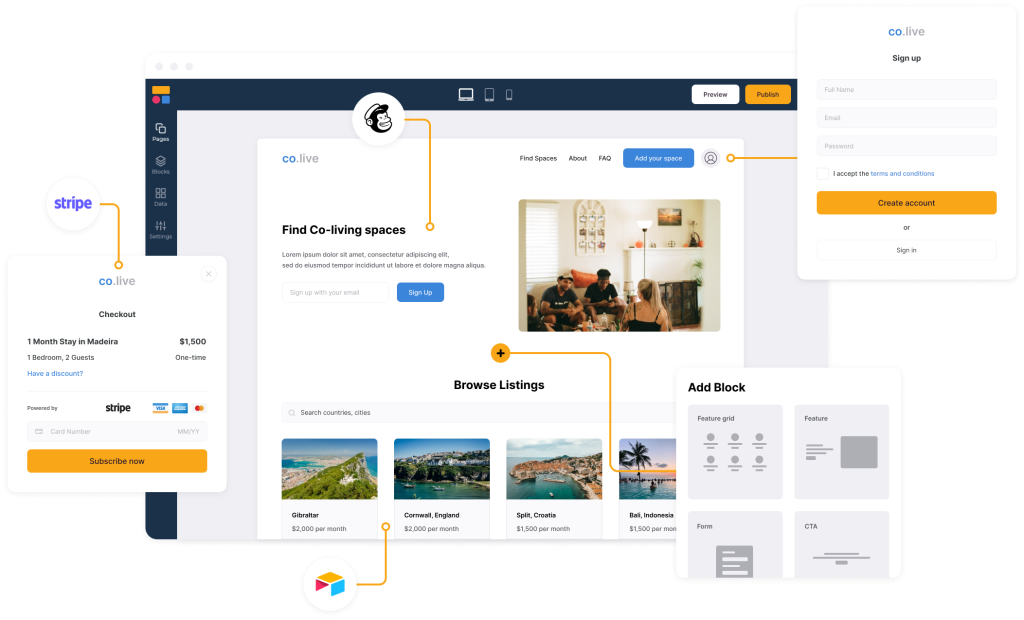
Custom CSS and JavaScript give advanced operators a way to refine experience and branding. Embedded blocks help when the app needs to live partly inside another site. PWA support matters when users want mobile-friendly access without a full app-store project. App history matters because production apps change, and rollback protection is a lot more comforting than regret.
Power users do not always need full custom code. Sometimes they just need enough flexibility to stop the platform from boxing them in.
Automation Workflows That Make Sense In Real Teams :
The best advanced Softr workflows are usually not the flashy ones. They are the boring, high-frequency ones that drain time every week.
Good candidates include:
- Employee or contractor request portals.
- Vendor onboarding trackers.
- Customer success handoff systems.
- Lightweight internal CRMs.
- Ops dashboards that combine records, permissions, and task flows.
That is why Softr works well for teams that want to replace a patchwork of forms, spreadsheets, shared docs, and awkward follow-up messages.
A realistic workflow stack often looks like this:
- A user submits or updates a record through a form.
- The workflow changes the status or routes the task.
- The app shows different actions depending on role and record conditions.
- The team continues working inside one controlled environment instead of chasing updates across five tools.
That is not glamorous. It is just useful.
Custom Integrations And API Reality Check :
The official public messaging consistently says Softr can sync with data sources and supports business app workflows, but the clearest advanced story on the pricing page is less about a public developer-first API pitch and more about connected app building through the platform itself.
That means a smart buyer should separate the two questions:
- Can Softr fit into a connected business stack?
- How much custom integration depth do we need before we should involve a more technical build path?
For many teams, Softr will be enough because the need is operational, not deeply bespoke. They want users, roles, records, forms, and workflows to work together without engineering overhead.
For teams that need highly custom backend orchestration, the right move is to test the integration path early rather than assume everything will be easy later.
That is not a knock on the platform. It is just the responsible advanced-user approach.
Performance Optimization For Larger Apps :
Most app slowdowns are not actually “platform problems” at first. They are structural problems.
Power users generally get better results when they:
- Keep the app focused on one operational job at a time.
- Design roles carefully before multiplying pages.
- Use global restrictions instead of patching visibility block by block.
- Standardize workflows before automating them.
- Use app history and higher-governance features as the app becomes more business-critical.
This is where Softr can either stay clean or become an expensive maze.
The teams that get the most out of it usually treat app design like process design. They do not just ask what screen to build. They ask what behavior the business actually needs.
Pricing Context For Advanced Buyers :
The official pricing page currently shows:
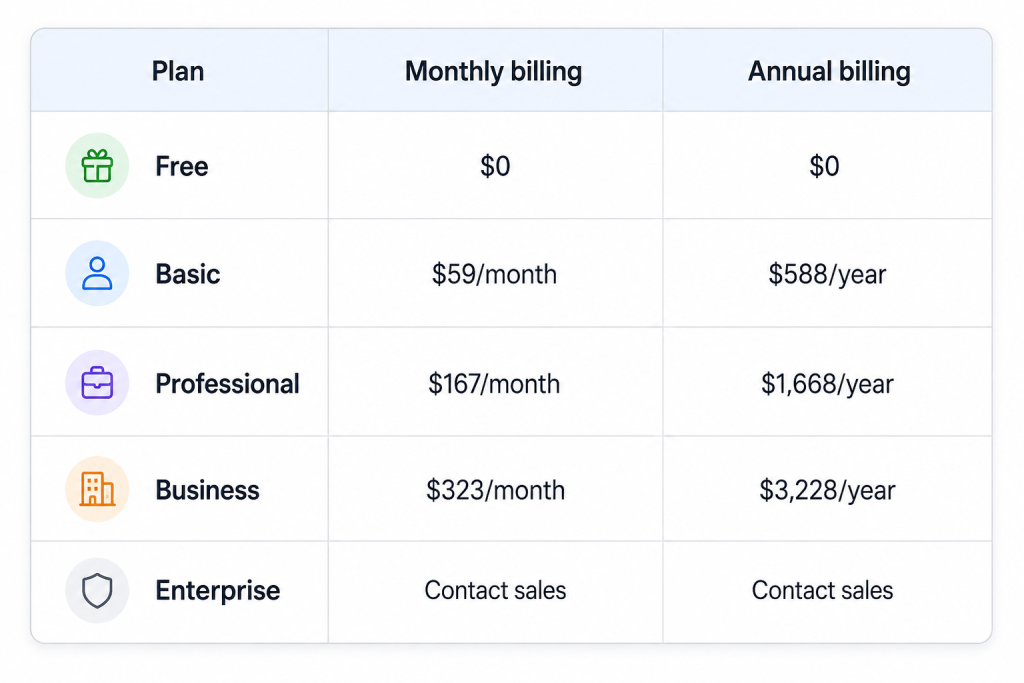
For advanced use, the real conversation usually starts at Professional and gets more serious at Business.
That is because the advanced controls around permissions, restrictions, governance, and customization are what distinguish a lightweight portal project from a more durable operating system.
If you are cost-checking this against custom development, the math often becomes more reasonable than it first looks. Not because Softr is cheap in every case, but because it can reduce the need for a bespoke internal tool build plus ongoing maintenance overhead.
If you want to compare that tradeoff with your current stack, start with Softr here and price one real internal tool against the time your team currently burns managing it manually.
Expert Workflow Example :
Imagine a mid-sized services team running partner onboarding.
They need:
- A secure external portal.
- Internal review steps.
- Role-based data access.
- Mobile-friendly access.
- Enough customization to match the company brand and workflow.
That is exactly the kind of use case where Softr can make sense.
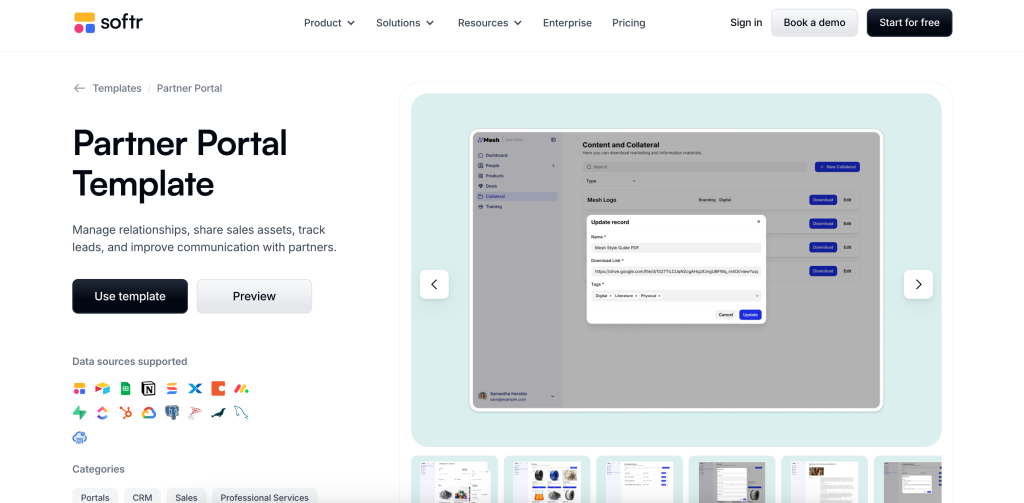
The partner fills out a form. The internal team sees the right records. Status changes trigger the next step. Access stays controlled. Nobody has to email spreadsheets around. That is the power-user win. Not “we built an app.” More like “we reduced a messy process into a controlled system.”
Verdict :
Softr’s advanced story in 2026 is much stronger than the old no-code stereotype suggests. The platform is at its best when you need AI-assisted app creation, structured workflows, role-based visibility, stronger data restrictions, PWA access, and enough customization to make the result feel like a real internal system.
It is not just for quick mockups anymore. It is ideal for teams that want to run actual business processes without taking on a full custom software project.
That said, the smartest advanced buyers will still pressure-test permissions, data architecture, and integration expectations early. Do that, and Softr becomes much easier to trust.
If you want to see whether it fits your stack, start with Softr here and build one high-friction process before expanding further.
FAQ :
Is Softr good for advanced internal tools in 2026?
Yes. The official platform and pricing pages show support for AI app building, workflows, forms, role-based visibility, global data restrictions, PWA support, and deeper customization on higher plans.
Which Softr plan makes the most sense for power users?
Most power users will start evaluating Professional first, then Business if they need broader governance, permissions, and data-control capabilities.
Does Softr support custom styling and embedded experiences?
Yes. The public comparison grid shows custom CSS and JavaScript, plus the ability to embed Softr blocks on other sites.
Can Softr work on mobile?
Yes. Softr publicly highlights Progressive Web App support, and the broader platform is positioned around responsive business apps that teams can use across devices.