


Company And Challenge :
Process Street is easiest to understand when you stop treating it like a simple checklist app and start seeing it as an operations layer. The official site positions it as a compliance operations platform that turns policies into automated, AI-enforced workflows, and that framing matters a lot for teams that need consistency more than improvisation.
The strongest real-world use cases on the official site are not abstract. They are the kinds of repeatable work that breaks down when people rely on memory: onboarding, compliance, documentation, customer success, and internal process control.
If you want to inspect the official product while you read, open Process Street here.
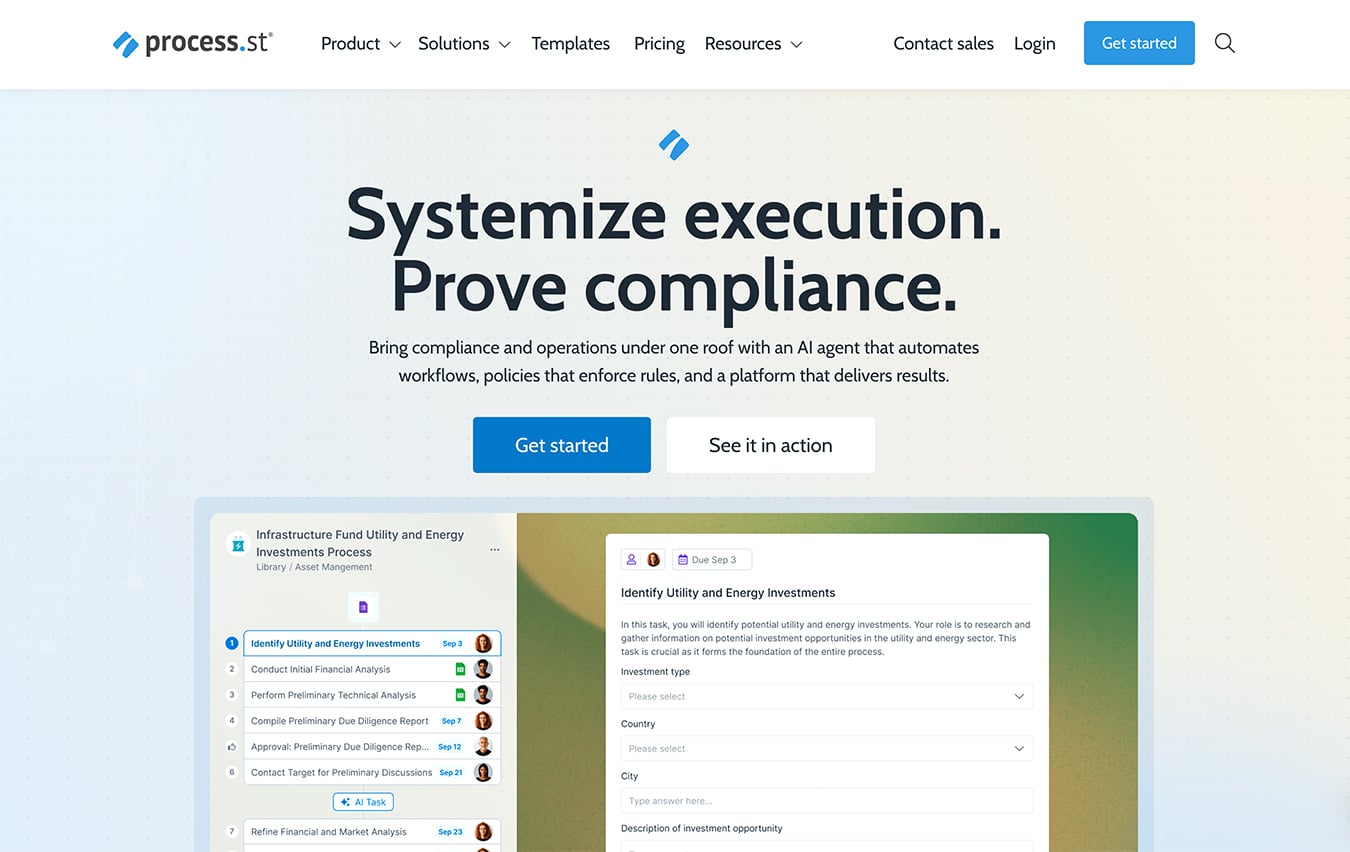
The case for Process Street is really a case for order. When a team is growing, the challenge is rarely that people do not know what to do. The problem is that each person does it slightly differently, and those little differences start turning into delays, errors, and missing handoffs.
Problem Before The Product :
The official customer stories point to a pretty familiar problem: teams had processes, but they did not have enough structure around those processes.
TechMD, for example, used Process Street to manage employee onboarding, employee offboarding, accounting processes, emergency response plans, and customer service tickets. That is a lot of recurring work to keep consistent across multiple teams.
Planning Pros used the platform in a compliance-heavy setting and reportedly saved more than $20,000 annually. Government of Canada documentation also points to faster documentation and better standardization in large-scale workflows.
That gives you the real problem shape:
- People Need A Shared Process.
- The Process Needs Enforcement.
- The Team Needs Visibility.
- The Work Needs To Be Repeatable.
That is where Process Street earns attention. It is not trying to replace judgment. It is trying to remove the chaos that happens before judgment can even be applied.
If you want to see the pricing and trial structure before going deeper, open Process Street here and compare it against the way your current team handles recurring work.
Implementation Process :
A good Process Street rollout is usually boring in the best possible way.
Step 1: Map The Repeated Work
Start with one recurring workflow that already exists in the business. Onboarding, audit prep, client intake, or customer success are all good candidates.
Step 2: Turn The Process Into A Workflow
The official product page emphasizes workflows, policy control, and AI-enforced execution. That means the key move is not just writing steps down. It is turning those steps into something the team can actually run.
Step 3: Add Responsibility
The platform’s pricing page highlights role assignments, task permissions, approvals, analytics, dynamic due dates, and enforced task order on the Startup plan. That is exactly the kind of structure a growing team needs when one person should not be able to skip the line and quietly break the process.
Step 4: Connect The Team
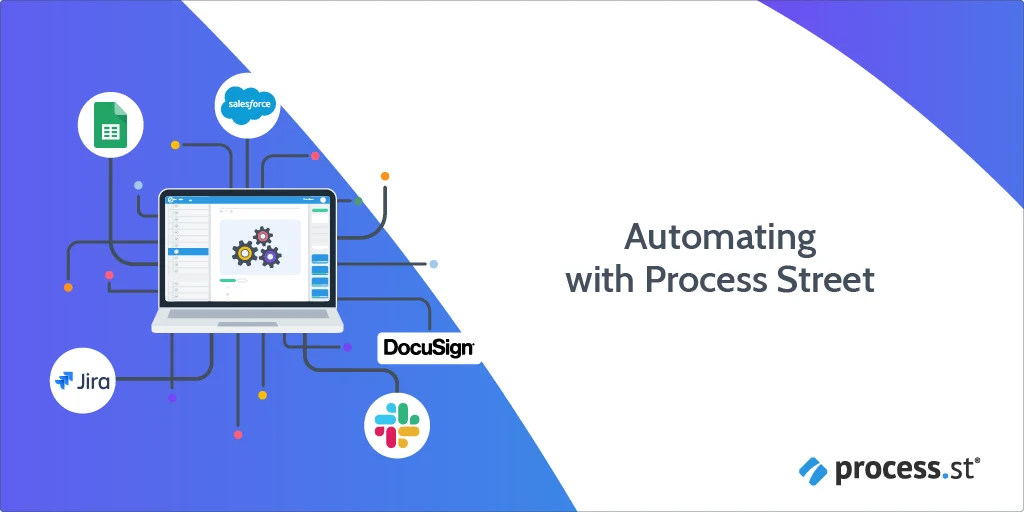
The site also emphasizes integrations, forms, unlimited workflows, and unlimited tasks. In practice, that lets the workflow become part of a larger operating system instead of a lonely checklist sitting in a folder nobody checks twice.
Step 5: Monitor The Result
Once the workflow is live, the real test is whether the team is easier to manage. If the process is still drifting, the system needs tighter ownership, not more decoration.
If you are evaluating the tool for your own business, open Process Street here and try mapping just one process before you think about a broader rollout.
Results And Metrics :
The official customer pages give enough proof that Process Street is not just a theory.
Government of Canada is cited in the site’s customer stories with a documented 30% faster documentation result.
Planning Pros is highlighted in a compliance workflow case study with more than $20,000 saved annually.
TechMD’s story is especially useful because it shows the platform working across several different operational categories at once:
- Employee Onboarding.
- Employee Offboarding.
- Accounting Processes.
- Emergency Response Plans.
- Customer Service Tickets.
That is the kind of evidence that matters. It shows the platform can live inside more than one department without becoming a toy for one process manager.
Important Features :
The current pricing and product pages make a few things very clear:
- Unlimited Workflows.
- Unlimited Tasks.
- Unlimited Forms.
- Unlimited Pages.
- Analytics Dashboard.
- Approvals.
- Conditional Logic.
- Dynamic Due Dates.
- Role Assignments.
- Task Permissions.
The Startup plan also includes 5 users, 10 guests, unlimited storage with a 5MB file size limit, and 5,000 Data Set records. That is a useful mix because it gives a team enough structure to get real work done without pretending every business needs a giant enterprise procurement cycle on day one.
The pricing page also says the Pro plan starts with a 14-day free trial and no credit card required. That lowers the barrier to testing whether the workflow model fits the way your team actually works.
If you want to test that fit, start with Process Street here and build one real recurring workflow instead of judging it by the marketing page alone.
Lessons Learned :
The biggest lesson from the official stories is that Process Street works best when the team wants consistency, accountability, and repeatability.
It is especially good for teams that have already outgrown manual checklists and email threads. When the process matters enough that one missed step can turn into a compliance or quality problem, having a system that enforces order starts to matter a lot.
There is also a quiet but important lesson in the customer stories. The wins are not only about speed. They are about confidence. A team that trusts its process wastes less time double-checking work and more time actually moving it forward.
That is a very different kind of efficiency than “we moved faster because we worked harder.” It is better than that. It means the business can scale the work without making every new hire learn the process by accident.
ROI Calculation :
The easiest ROI argument for Process Street is simple.
If a compliance or operations team saves:
- A Few Minutes Per Checklist Run.
- A Few Fewer Errors Per Month.
- A Few Fewer Follow-Up Calls.
- One Or Two Major Manual Fixes Per Quarter.
Then the platform starts paying for itself surprisingly fast.
Planning Pros gives the cleanest public signal here because the official story points to more than $20,000 saved annually. Government of Canada’s 30% faster documentation result tells a similar story: the payoff is in reduction of friction, not just a prettier interface.
For a finance, HR, customer success, or operations team, that is usually the real math.
If the platform takes a workflow from “everyone does it differently” to “we know exactly how this runs,” the savings are not subtle. They show up in fewer mistakes, fewer approvals stuck in limbo, and less time spent asking where the latest version lives.
How To Replicate :
The easiest way to replicate the documented wins is to start with one workflow and one owner.
Choose One Process –
Pick a workflow that repeats often and hurts when it goes wrong.
Define The Standard –
Write the steps as the business actually wants them to happen, not as someone remembers them happening last time.
Assign Accountability –
Use permissions, role assignments, and task order so the process cannot drift silently.
Measure The Before And After –
Track how long the work takes, how often it stalls, and how often it needs rework.
Expand Slowly –
Once the first workflow is stable, add the next one.
That is the right way to use Process Street. Not as a giant one-shot transformation, but as a way to make the work you already do a little sharper every week.
If that sounds like the kind of operational fix you need, open Process Street here and start with one workflow that your team already hates managing manually.
Operational Notes :
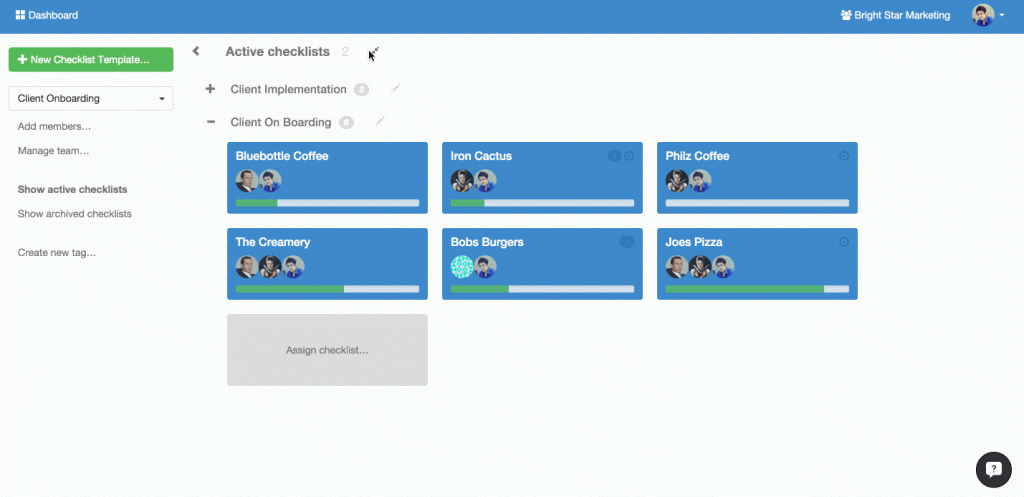
The reason Process Street tends to stick is that it changes the way teams think about recurring work. Instead of asking people to remember what usually happens, it gives them a standard place to follow the process and a standard place to see where the process stalled.
That can sound small until you feel the difference in day-to-day operations. A manager does not need to chase five different versions of the same checklist. A new hire does not need a long verbal explanation just to complete the first run. A compliance owner does not need to trust that the critical steps happened by accident.
The official pricing and customer pages make that operational benefit very concrete. Unlimited workflows and tasks mean the platform is not designed to punish you for having real process volume. Role assignments, approvals, dynamic due dates, and analytics mean the workflow is not just stored; it is actively managed.
That combination is what turns a workflow tool into an operations system. It is the difference between “we documented the process” and “we can actually run the process the same way every time.”
FAQ :
What does Process Street actually do?
It helps teams turn policies and recurring work into automated workflows with visibility, approvals, and task control.
Is Process Street good for compliance work?
Yes. The official site positions it as a compliance operations platform and highlights governance for regulated work.
Does Process Street offer a free trial?
Yes. The pricing page says the Pro plan starts with a 14-day free trial, and no credit card is required.
What kind of teams use Process Street?
The official customer stories cover technology, government, services, finance, HR, and operations-heavy teams.
Is it useful outside compliance?
Yes. The product is also used for onboarding, customer success, accounting, and internal process management.