

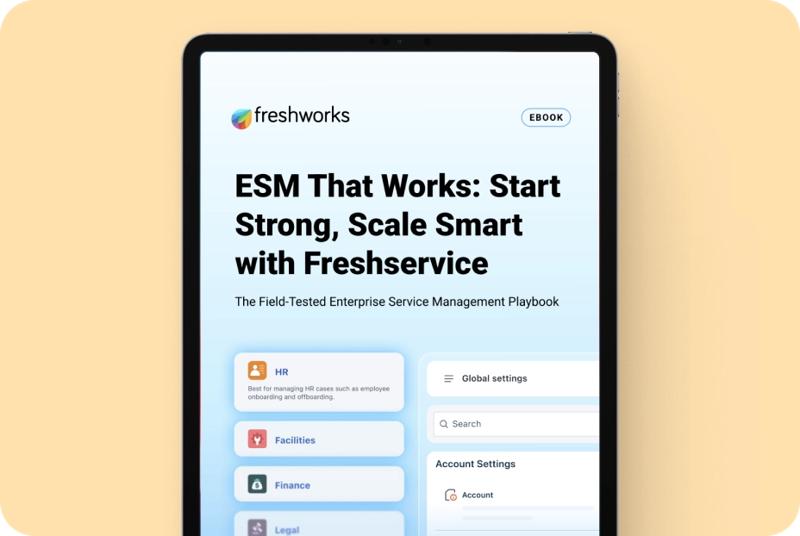
Power User Intro :
Freshteam is a slightly unusual topic in 2026 because the current official Freshworks HRMS partner landing experience routes into Freshservice for Business Teams messaging. That is an important real-world detail, not a bug to ignore.
What it tells us is that the advanced employee-service and HR workflow story has matured into a broader business-team service-delivery narrative inside Freshworks.
So this guide focuses on the advanced workflow capabilities surfaced through the current official experience: service delivery, automation, workspaces, journeys, reporting, and employee-facing operational structure.
If you want to look at the current official experience while you read, start with Freshteam here.
What The Current Official Positioning Signals :
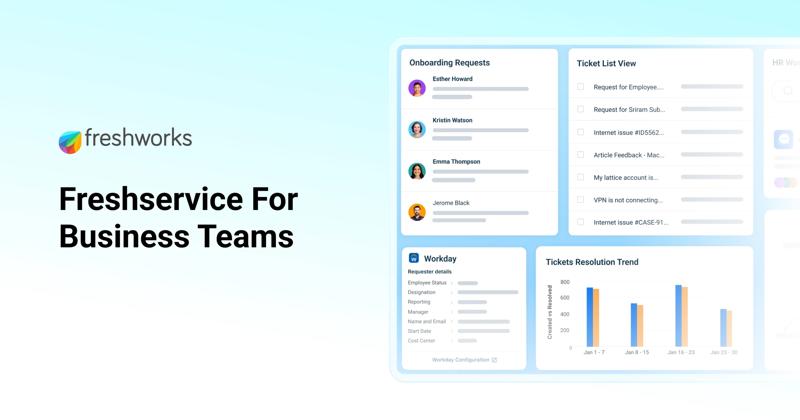
The live official page now emphasizes:
- Purpose-built enterprise service management for business teams.
- HR, finance, facilities, and legal service workflows.
- Workspaces and journeys.
- Employee service experience.
- Reporting and smarter resolutions.
That means the advanced-value conversation is less about “basic HR software” and more about how employee operations get structured at scale.
This matters because advanced users rarely struggle with basic record-keeping. They struggle with:
- Cross-team workflow consistency.
- Approvals.
- Internal service handoffs.
- Automation.
- Visibility across functions.
That is exactly where the current Freshworks positioning becomes interesting.
Advanced Feature 1: Workspaces For Business-Team Operations
One of the most useful advanced ideas in the current official positioning is the workspace model.
Why it matters:
- Different teams need different service logic.
- HR does not work like finance.
- Legal does not work like facilities.
- A single generic inbox is not a serious internal-operations system.
Workspaces let advanced teams separate responsibility, workflows, and internal context without losing platform consistency.
That becomes especially valuable once a company has enough internal volume that “just email the team” stops working.
Advanced Feature 2: Journeys And Structured Employee Service
The current official page also highlights journeys.
For advanced users, journeys matter because employee operations rarely happen as one isolated ticket. Real internal service often spans multiple steps:
- Hiring and onboarding.
- Device and access requests.
- Policy acknowledgement.
- Location or role changes.
- Offboarding coordination.
Journey-style orchestration is where the platform starts feeling like a system instead of a queue.
That is a big jump in maturity.
Advanced Feature 3: Workflow Automation
Advanced users usually care more about automation than about shiny front-end basics.
The current official business-teams pricing page highlights Workflow Automator, which is exactly the kind of capability power users want:
- Triggered routing.
- Standardized internal handling.
- Reduced manual triage.
- Less process drift between managers or departments.
That matters because internal employee service gets messy fast once volume rises. Automation is not optional at that point. It is a control system.
Advanced Feature 4: Employee Document Generation And Self-Service
Another advanced capability worth highlighting is self-serve employee document generation.
That may sound administrative, but it is actually a strong power-user feature because it reduces repetitive internal requests and standardizes output.
For advanced teams, that means:
- Less manual HR admin.
- Faster response cycles.
- Better consistency.
- Clearer ownership.
This is where the platform starts helping not just the team running service, but also the employees consuming it.
That matters because advanced internal systems fail when they optimize only for admins. Self-service and standardized document delivery reduce repeat work for the team and waiting time for employees.
It also improves consistency during moments that usually create confusion, like onboarding, policy refreshes, internal transfers, and offboarding.
That consistency becomes even more important in distributed teams. The more employees rely on shared systems instead of hallway conversations, the more valuable standardized service delivery becomes.
Automation And Workflow Design :
The best advanced use of the platform is not turning every possible setting on. It is designing a few high-value workflows extremely well.
That usually means starting with:
- Onboarding or access requests.
- Policy or compliance workflows.
- Employee document requests.
- Multi-step approval flows.
- Cross-functional service journeys.
If those workflows are repeatable and visible, the platform becomes much more valuable than a simple HR or helpdesk tool.
It also becomes easier to govern. Once workflows are standardized, leaders can see where requests stall, where approvals get overused, and where automation can remove avoidable handoffs.
If you want to explore that advanced route, start with Freshteam here and map one real employee-service journey from request to resolution.
Reporting And Performance Visibility :
Advanced users also need more than ticket closure.
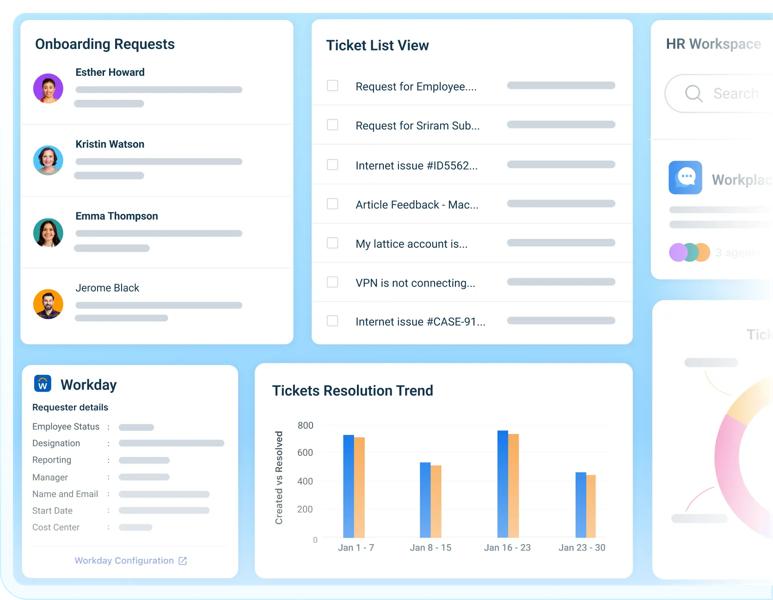
The official pages highlight dashboards and reporting, which matter because power users need answers to questions like:
- Which internal teams respond fastest?
- Where are approvals stalling?
- Which request types create the most volume?
- Which employee journeys are slowing down?
This reporting layer is what lets operations leads move from “we have a system” to “we can improve the system.”
That is a meaningful difference.
It is also where power users usually uncover the next optimization opportunity:
- Too many requests entering through the wrong channel.
- Too many approvals creating delay.
- Too much policy interpretation happening outside the system.
- Too much internal ambiguity around ownership.
Those are exactly the kinds of inefficiencies an advanced internal operations platform should expose.
Once those patterns are visible, advanced teams can stop arguing about symptoms and start fixing the actual workflow design.
Pricing And Commercial Reality :
The current official live experience is less straightforward than some other products because the legacy Freshteam naming path routes into Freshworks employee-service positioning rather than a simple old-school Freshteam plan table.
What is public right now is the Freshservice for Business Teams pricing structure, which shows:
- Pro at $49 per agent per month billed annually.
The page also emphasizes add-ons like Freddy AI Copilot and the broader business-team service model.
So the honest pricing takeaway is this:
- The current official experience does not present a simple standalone “Freshteam HRMS” public pricing ladder in the old way.
- It does present a clearer employee-service pricing model for business teams.
That is important to state plainly. No guessing needed.
It also means buyers should judge the product based on the current operational model, not on an older mental picture of Freshteam as a simpler standalone HR tool.
Expert Workflows :
Where the platform looks strongest for power users is in advanced internal operations such as:
- HR onboarding journeys.
- Finance approval chains.
- Facilities issue coordination.
- Legal intake.
- Service catalog design for internal teams.
Those are not beginner workflows. They are operational workflows that usually become painful only after a company grows past informal coordination.
That is also why the product’s advanced value is organizational, not cosmetic.
These are not “nice dashboard” features. They are structural features that determine whether employee requests move cleanly through the business or disappear into internal confusion.
That is also why advanced buyers should judge the platform based on operational friction removed, not on how many controls appear in a comparison table.
The stronger the internal service culture becomes, the more valuable those workflow controls tend to feel.
Performance Optimization :
The smartest way to optimize a platform like this is to:
- Limit unnecessary complexity.
- Standardize request categories.
- Use workspaces deliberately.
- Automate the bottlenecks that repeat most often.
- Measure employee-service flow, not just ticket closure.
That approach makes the system easier to scale and easier for internal teams to trust.
It also reduces the usual advanced-tool problem where a platform becomes more complex faster than it becomes more useful. Good optimization keeps the system opinionated, not overloaded.
Another optimization lesson is ownership clarity. Advanced platforms usually fail when everybody can technically do everything but no one owns the lifecycle of the important workflows.
That is why workspaces, reporting, and automation belong together. They reinforce accountability.
That same principle helps with change management too. When teams know who owns request categories, journey design, and reporting quality, the platform evolves more cleanly over time.
Without that ownership, even a capable platform can turn into a more expensive version of shared inbox chaos.
That is why maturity, not novelty, is the right frame for advanced evaluation here.
It also improves escalation quality. When request ownership is explicit, complex employee issues do not bounce between HR, IT, finance, and managers with no real decision-maker attached to the outcome.
That kind of clarity is one of the least flashy advanced benefits, but it is often the one that saves the most operational time.
If you want to pressure-test that fit, start with Freshteam here and compare one live HR or employee-service process against the current business-team service model.
Verdict :
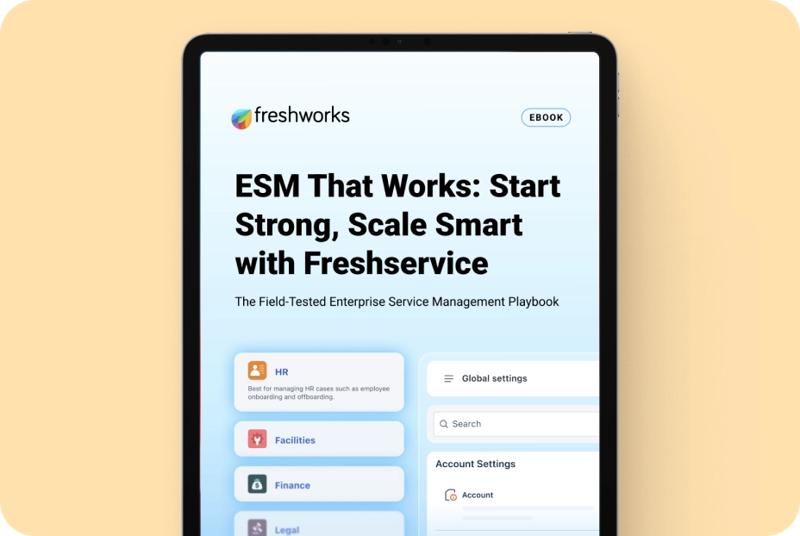
Freshteam’s advanced story in 2026 is best understood through the current Freshworks employee-service and business-team service-delivery experience.
That means the most valuable advanced capabilities are:
- Workspaces.
- Journeys.
- Workflow automation.
- Reporting.
- Self-service and document generation.
The platform looks strongest for organizations that need structured internal service operations across HR and adjacent teams, not just a light HR tracker.
If that is your use case, start with Freshteam here and evaluate one high-friction employee journey from start to finish rather than judging the product on generic feature labels alone.
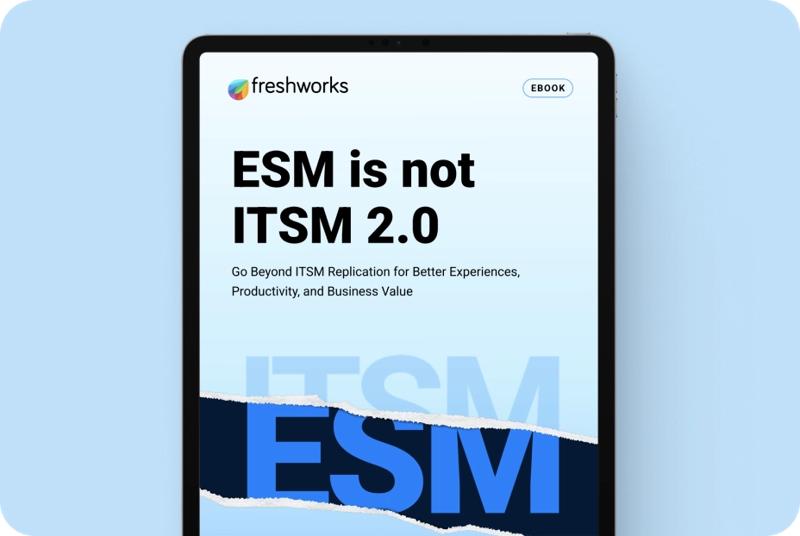
That kind of operational test will tell you much more than the legacy branding question ever will.
It will also tell you whether your team actually needs this level of orchestration or whether a simpler workflow stack is still enough for your stage.
That is a very healthy test, because the right advanced platform should reduce chaos, not just formalize it.
That is ultimately the right lens for evaluating advanced internal service software in 2026.
FAQ :
What is the main advanced strength of Freshteam in 2026?
The strongest advanced value comes from structured internal service delivery, including workspaces, journeys, reporting, and workflow automation across business teams.
Does Freshteam still show simple public pricing?
The current official live experience is more aligned with Freshworks business-team service pricing than with a simple old standalone Freshteam plan table.
Who is the best fit for the advanced Freshteam-style workflow?
Growing companies that need structured internal service operations across HR, finance, legal, and facilities are the best fit.
When is this platform overkill?
It can be overkill for very small teams that do not yet have repeatable internal service processes or workflow volume worth formalizing.