

Why Integrations Matter :
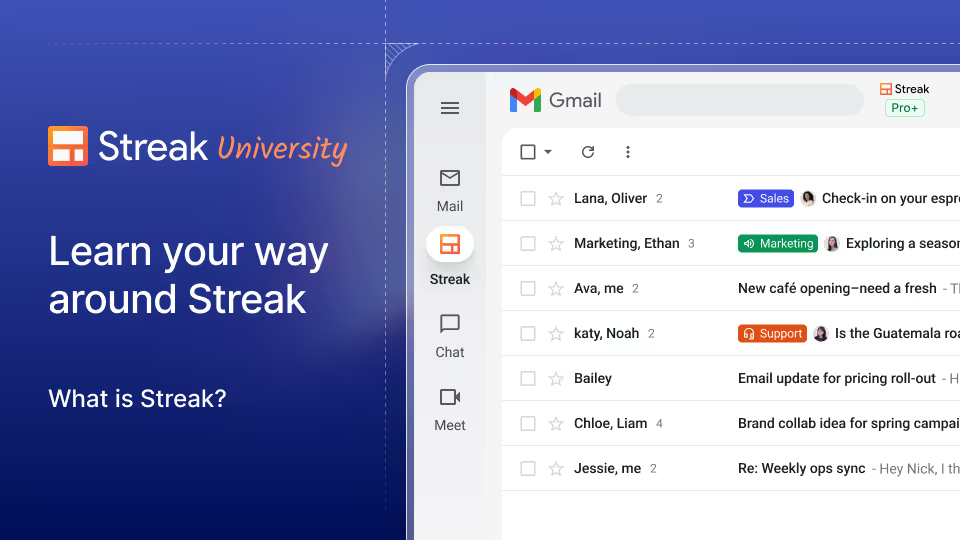
Streak is already different from most CRMs because it lives inside Gmail. That matters more than it sounds like it should. If your team already works from inboxes all day, every extra tab, login, and context switch becomes a tiny tax on momentum.
That is why integrations are such a big part of the Streak story in 2026. The official pricing and features pages make it clear that Streak is trying to be more than a basic pipeline view. It connects with Google Workspace, supports direct integrations with tools like Calendly, Google Forms, Typeform, and Slack, and adds automation layers through Zapier, API access, and workflow rules.
If you want the cleanest inbox-native CRM experience while you read, start with Streak here.
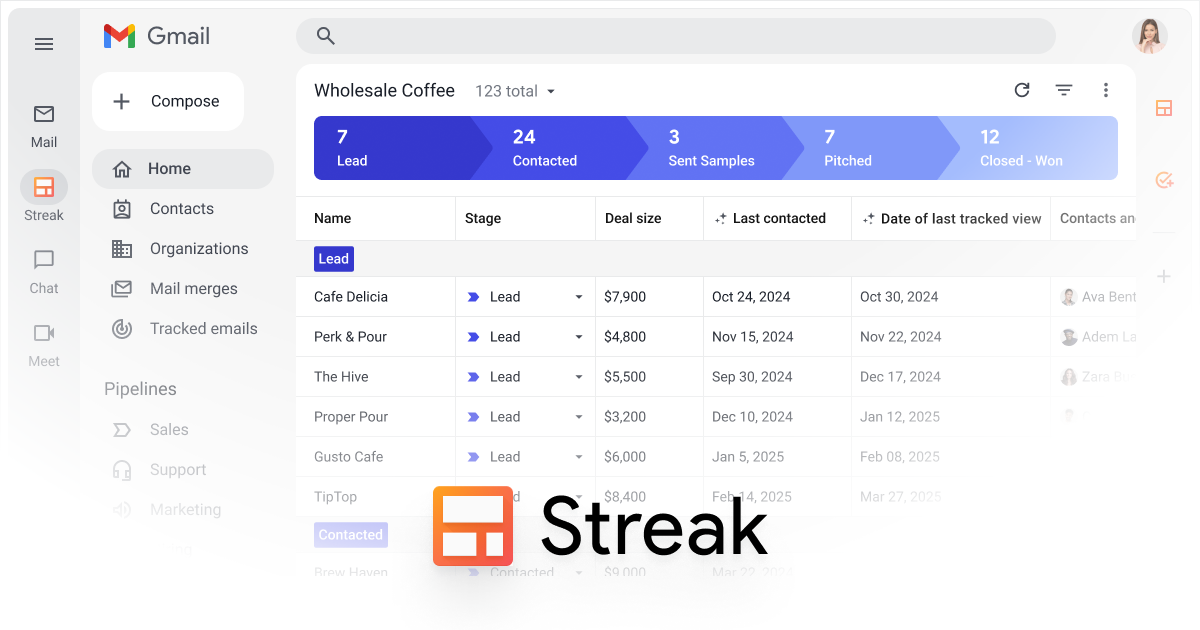
The key question is not whether Streak can integrate. It is whether those integrations help your team work faster without forcing everyone to leave Gmail and rebuild habits from scratch.
For a lot of small teams, that answer is yes.
Top Integrations That Actually Matter :
Google Workspace –
This is the obvious one, but it deserves to be first. Streak’s official pricing page highlights Gmail, Calendar, Drive, Sheets, and Chat as core Google Workspace integrations. That means the CRM is not just sitting next to your inbox. It is designed to work with the inbox ecosystem itself.
That gives you a few practical wins:
- Keep CRM work close to the email thread.
- Pull calendar context into follow-up workflows.
- Store and share documents without leaving the Google stack.
- Use Sheets when you want a familiar reporting or cleanup layer.
For teams already deep in Google Workspace, this is usually the real reason Streak feels so light to adopt.
LinkedIn –
Streak also highlights LinkedIn as a direct integration on the pricing page. That matters for teams that do outreach, recruiting, partnerships, fundraising, or founder-led sales.
The benefit is simple: less manual copy-paste between a profile and a pipeline record. That saves time and reduces the “I’ll update the CRM later” problem that kills data quality in a lot of teams.
Calendly, Google Forms, Typeform, And Slack –
The official pricing page says Streak can connect directly to third-party tools like Calendly, Google Forms, Typeform, and Slack.
That is a strong combination because it covers four common workflow shapes:
- Scheduling.
- Lead capture.
- Structured intake.
- Team notifications.
If your team is already collecting meetings through Calendly or collecting structured leads through forms, Streak can sit in the middle and organize the work without making everyone learn a brand-new operating system.
Popular Tech Stacks For Streak :
The best Streak setups are not the ones with the most apps. They are the ones where the inbox stays the center of gravity.
Here are a few stacks that make sense:
- Sales teams using Gmail, Calendar, Slack, and Typeform.
- Hiring teams using Gmail, Google Forms, Drive, and Sheets.
- Partnership teams using Gmail, LinkedIn, Calendly, and Slack.
- Founders using Gmail, Sheets, Drive, and a simple meeting scheduler.
The pattern is the same in every case. Streak works best when the team wants one shared source of truth for relationship work, but still wants Google tools to do the heavy lifting.
That is also why Streak usually feels better than a giant CRM for lean teams. The workflow does not have to be “learn the CRM first, then do the work.” The workflow is more like “do the work where you already do the work, then let the CRM organize it.”
If that is the kind of stack you want, start with Streak here and test one live pipeline rather than trying to redesign your whole team at once.
Setup Guide :
Step 1: Decide What Lives In The Pipeline
Before you connect anything, decide what the pipeline is for. Sales, hiring, fundraising, customer success, and partnerships all work well, but the workflow should stay narrow enough to be useful.
Step 2: Connect Gmail And The Core Workspace Tools
Once the use case is clear, connect Gmail and the surrounding Google Workspace apps your team actually uses. That is usually the fastest way to make the CRM feel natural instead of forced.
Step 3: Add The Intake Tools
Then add tools like Calendly, Google Forms, or Typeform. Those are usually the sources that feed the pipeline.
Step 4: Wire In Notifications
Slack is a good place to surface movement, especially when the pipeline is shared across multiple people. The goal is to keep everyone informed without making the CRM noisy.
Step 5: Layer In Automation
Once the manual workflow is stable, add automation rules so tasks, comments, boxes, or follow-ups happen without constant human intervention.
Automation Examples That Make Sense
Streak’s pricing page calls out automations, integrations, and API access on higher plans, which is where the real leverage starts showing up.
Useful automation patterns include:
- Create a new pipeline item when a form is submitted.
- Add a task when a deal reaches a specific stage.
- Notify a Slack channel when a high-value lead appears.
- Update a record when a meeting is booked.
- Trigger a follow-up when no reply happens within a set time.
These are not flashy automations. They are the ones that prevent manual busywork.
That matters because inbox-based teams often waste time on tiny administrative gaps rather than big strategic work. A few reliable automations can remove a surprising amount of drag.
If you want to compare the workflow against the live pricing tiers at the same time, start with Streak here and map the integrations to the one process you already run every week.
API And Zapier Overview :
The official pricing page highlights Zapier access and API access as part of the platform, which is exactly what you want if Streak needs to sit inside a larger stack.
Here is the practical difference:
- Zapier is good when you want fast, no-code automation across common apps.
- API access is good when you want a custom internal workflow or a more controlled integration.
For many teams, Zapier is enough to start. It lets non-technical users stitch Streak into forms, calendars, notifications, and internal handoffs without waiting on engineering.
API access becomes more valuable when:
- You need custom routing logic.
- You want a deeper internal system connection.
- You need cleaner data sync between systems.
- You want more control over how records move.
That combination gives Streak a useful middle ground. It is approachable for non-technical users, but not locked into a tiny no-code sandbox.
Troubleshooting Integrations :
The most common Streak integration problems are not dramatic technical failures. They are usually workflow mistakes.
Watch for:
- Too many pipeline stages with no clear owner.
- Forms that create duplicate records.
- Notifications that are too noisy to be useful.
- Calendar and email rules that are too broad.
- Automations that fire before the team agrees on the process.
The best fix is usually to simplify the workflow before adding another tool.
Streak works best when one pipeline has one job. If you make it do everything, the inbox-native simplicity disappears pretty quickly.
That is also why Streak tends to land well with smaller teams that need a CRM to stay out of the way. A founder, recruiter, partnerships lead, or support manager does not usually want a giant operations project. They want a clean way to keep the conversation, the record, and the next step in one place.
When the integration stack is built around that reality, Streak can feel surprisingly durable. It is not trying to replace every business tool. It is trying to make the tools you already use connect more naturally.
Verdict :
Streak’s integrations are strong because they feel native to the way real teams already work. Google Workspace support, LinkedIn, Calendly, Google Forms, Typeform, Slack, Zapier, and API access give it a lot of reach without turning it into a heavyweight CRM suite.
That makes it especially attractive for inbox-driven teams that want structure without friction.
If your team spends most of its day in Gmail and just needs the right connective tissue around it, start with Streak here and test one live workflow first.
FAQ :
What are the most useful Streak integrations?
The most useful ones are Gmail, Calendar, Drive, Sheets, Chat, LinkedIn, Calendly, Google Forms, Typeform, Slack, Zapier, and the API.
Does Streak work well with Google Workspace?
Yes. That is one of its strongest advantages. Streak is built around Gmail and the rest of the Google Workspace stack.
Is Streak good for automation?
Yes. The official pricing page highlights automations, Zapier access, and API access on the higher plans, which gives teams a solid automation layer.
Who should avoid Streak integrations?
Teams that want a completely separate CRM workspace and do not want to live in Gmail all day may prefer a different product.