

Start Here If You’re New To Instapage :
Instapage can look intimidating at first because the official pricing and product pages are clearly aimed at serious landing-page teams. The page headings do not dance around that. They talk about:
- Convert. Engage. Grow.
- Compare plans to find your best fit.
- Powerful builder.
- Mobile.
- Integrations.
- Conversion optimization.
- Branding and scale.
That is useful for a beginner because it tells you what kind of tool you are entering. Instapage is not a casual website toy. It is built for teams that care about landing pages as conversion infrastructure.
If you want to inspect the product while you read, start with Instapage here.
What Instapage Is Built To Do :
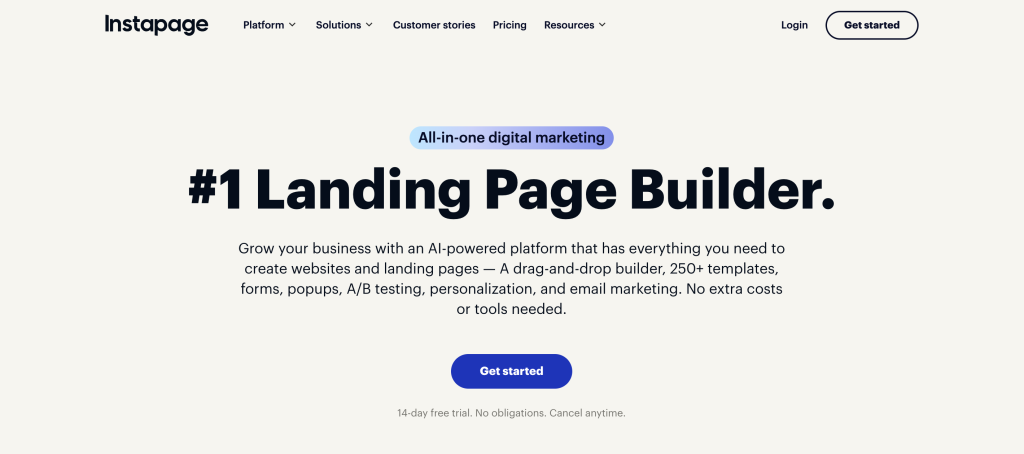
At the highest level, Instapage is trying to help users create, optimize, and scale landing pages with more discipline than basic page builders usually offer.
Even the official pricing-page structure suggests the product is meant to guide beginners toward a few core concepts early:
- Building.
- Mobile presentation.
- Integrations.
- Conversion optimization.
- Scale and branding.
That means the cleanest beginner mindset is this:
You are not learning a whole website platform first.
You are learning how to launch, test, and improve focused pages that are supposed to convert.
That distinction helps a lot.
Account Setup :
The official plan pages are designed around comparing fits, which is actually useful for beginners. Instead of trying to learn the whole platform first, a beginner should start by deciding:
- What campaign or offer is this page for?
- Who is the audience?
- Where will the traffic come from?
- What action is the page supposed to drive?
That matters because Instapage works best when the page objective is already clear. A weak objective creates a weak beginner experience because every design choice starts to feel random.
The practical first setup path should be:
- Pick one offer.
- Pick one audience.
- Pick one main conversion action.
- Build one page for that action only.
That is much better than trying to turn the first page into a giant multi-purpose destination.
Dashboard Overview :
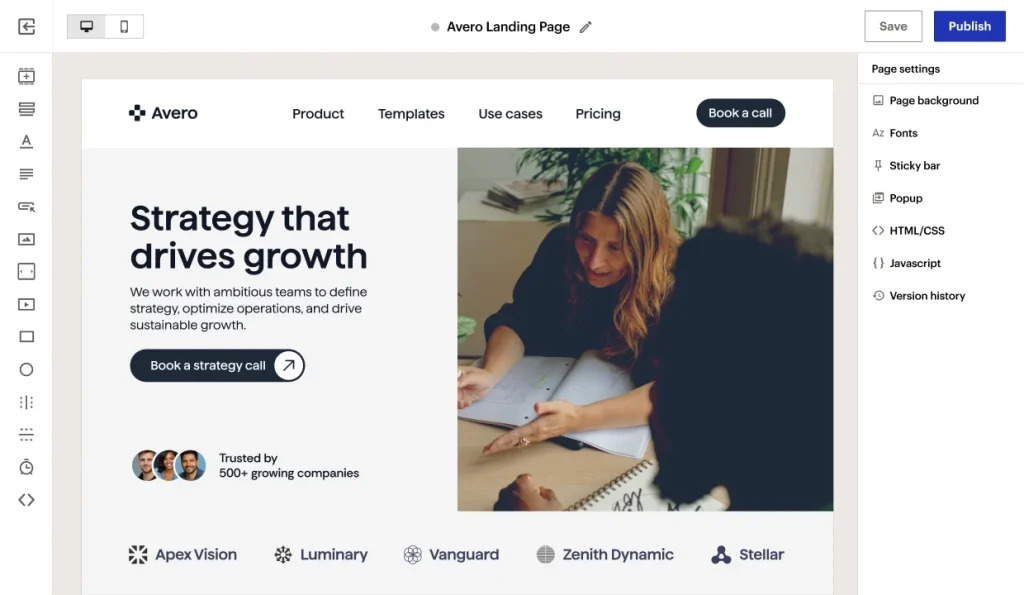
For beginners, the dashboard should be interpreted through workflow rather than through interface curiosity.
The parts that matter most first are the ones tied to:
- The builder.
- Integrations.
- Mobile presentation.
- Conversion-oriented page setup.
That is the real beginner map.
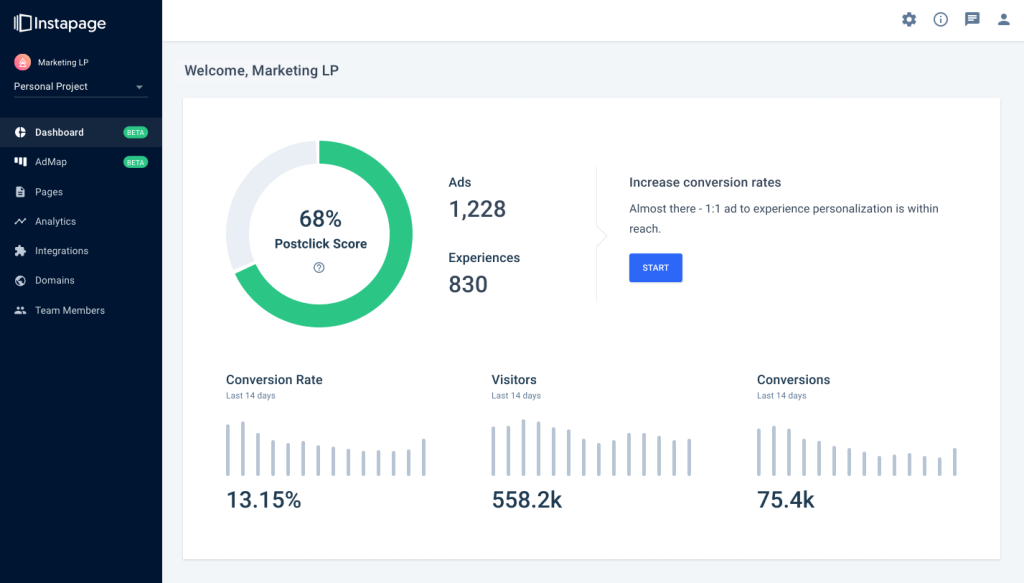
You do not need to master every advanced scale or enterprise-style setting on day one. You need to know where to edit the page, how to preview it, how to connect it to the tools around it, and how to think about the conversion goal.
Your First Workflow Walkthrough :
The smartest first Instapage workflow is not a huge redesign. It is one focused page with one clear job.
Step 1: Choose One Campaign
Use one page for one traffic source or one offer. This makes the learning curve much easier.
Step 2: Build With The Conversion Goal In Mind
The official product language keeps pointing back to growth and conversion. That means the page should not be filled with every possible message. It should support one action clearly.
Step 3: Check Mobile Early
The official pages call out mobile directly, which tells you this is not a side issue. Beginners should preview mobile early instead of waiting until the page is almost finished.
Step 4: Set Up The Right Integrations
Instapage is also explicit about integrations. For a beginner, this means the page does not end at publish. You need to think about where leads, form data, or campaign signals go after the page does its job.
If you want to test that path the practical way, open Instapage here and build one page around one real campaign instead of a fake demo idea.
Best Practices For New Users :
Keep The First Page Narrow –
One audience. One offer. One action. That is how beginners learn fastest.
Treat Mobile As Part Of The Build –
Do not think of mobile as cleanup at the end. The official product framing makes it clear that mobile matters from the start.
Let Integrations Shape The Workflow –
The page is only one part of the job. Think early about what happens after the form fill, click, or signup event.
Optimize For Clarity Before Cleverness –
Beginners often over-design the page. Instapage will reward clarity more than decoration when the goal is conversion.
Common Beginner Mistakes :
Mistake 1: Building A Page Without A Single Clear Goal
This is the biggest one.
If the page is trying to explain everything, sell everything, and capture everyone, the conversion path gets blurry.
Mistake 2: Treating The Builder Like A General Website Tool
Instapage is better understood as a landing-page conversion platform than a full website world. Beginners get better results when they respect that difference.
Mistake 3: Ignoring Integrations Until The End
The official product structure gives integrations real importance. Beginners should do the same.
Mistake 4: Forgetting Mobile
If the official pages surface mobile as a key area, you should assume it matters early, not only after the desktop version looks finished.
Support Resources :
The good news is that the public product and pricing experience already does a decent job of telling beginners what the platform thinks matters:
- Builder.
- Mobile.
- Integrations.
- Conversion optimization.
- Branding and scale.
That gives a first-time user a reliable way to prioritize learning.
The best beginner support path is to stay close to that official product logic instead of trying to master every advanced tactic from random third-party tutorials all at once.
A Simple First-30-Days Plan :
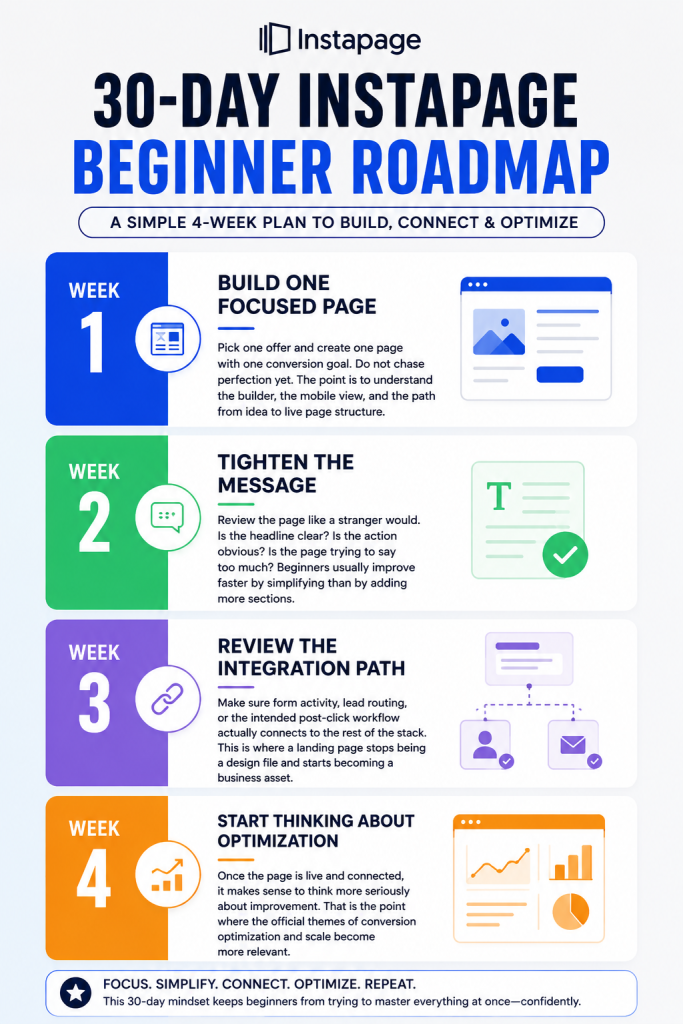
If you are brand new to Instapage, the cleanest way to learn it is to avoid turning the first week into a huge redesign project. A better approach is to use a simple 30-day learning arc.
Week 1:
Build One Focused Page: Pick one offer and create one page with one conversion goal. Do not chase perfection yet. The point is to understand the builder, the mobile view, and the path from idea to live page structure.
Week 2:
Tighten the Message: Review the page like a stranger would. Is the headline clear? Is the action obvious? Is the page trying to say too much? Beginners usually improve faster by simplifying than by adding more sections
Week 3:
Review the Integration Path: Make sure form activity, lead routing, or the intended post-click workflow actually connects to the rest of the stack. This is where a landing page stops being a design file and starts becoming a business asset.
Week 4:
Start Thinking About Optimization: Once the page is live and connected, it makes sense to think more seriously about improvement. That is the point where the official themes of conversion optimization and scale become more relevant.
This 30-day mindset keeps beginners from trying to master everything at once confidently.
How To Judge Whether Your First Instapage Page Is Good
A lot of new users ask the wrong first question. They ask:
“Does the page look polished enough?”
The better question is:
“Does the page make the next action easy for the visitor?”
That means checking
- Is the offer easy to understand?
- Is the call to action easy to find?
- Does the page feel coherent on mobile?
- Does the page match the audience that clicked into it?
If you want to test those basics with the real product flow, open Instapage here and evaluate your first page through clarity and conversion logic, not only design polish.
When A Beginner Becomes A Real User :
There is usually a clear moment when a beginner stops being a beginner in Instapage.
It happens when the user stops asking:
“How do I build a page here?”
and starts asking:
“How do I improve the conversion outcome of the page I already launched?”
That is the shift.
Once you are in that mode, the platform’s stronger capabilities around optimization and scale start to matter much more.
If you want to keep exploring from that point, try Instapage here and move from first-page setup into live optimization with one real campaign.
Verdict :
Instapage is a strong beginner platform in 2026 for users who understand what they are actually learning:
- Not general website design.
- Not content publishing.
- Not broad CMS management.
They are learning conversion-first landing page execution.
That is why the best beginner move is to start small, keep the first page narrow, treat mobile and integrations seriously, and let the conversion goal drive every decision.
If that sounds like the right learning path, start with Instapage here and use your first real campaign page as the tutorial.
FAQ :
Is Instapage Good For Beginners?
Yes, if the beginner approaches it as a focused landing page and conversion tool instead of as a general website builder.
What Should I Build First In Instapage?
Build one page for one campaign with one main conversion goal.
Does Mobile Matter Early In Instapage?
Yes. The official product structure highlights mobile directly, so beginners should treat it as part of the initial workflow.
Why Are Integrations Important For New Users?
Because landing pages are only useful if the results flow cleanly into the rest of the marketing or sales stack.
What Is The Most Common Beginner Mistake?
Trying to make the first page do too much instead of keeping the page tightly focused on one offer and one action.